EasyManua.ls Logo

D-Link 8DLDCS936L - User Manual

D-Link 8DLDCS936L
74 pages
Print Icon
To Next Page IconTo Next Page
Loading...
Version 1.02 | 11/17/2017
User Manual
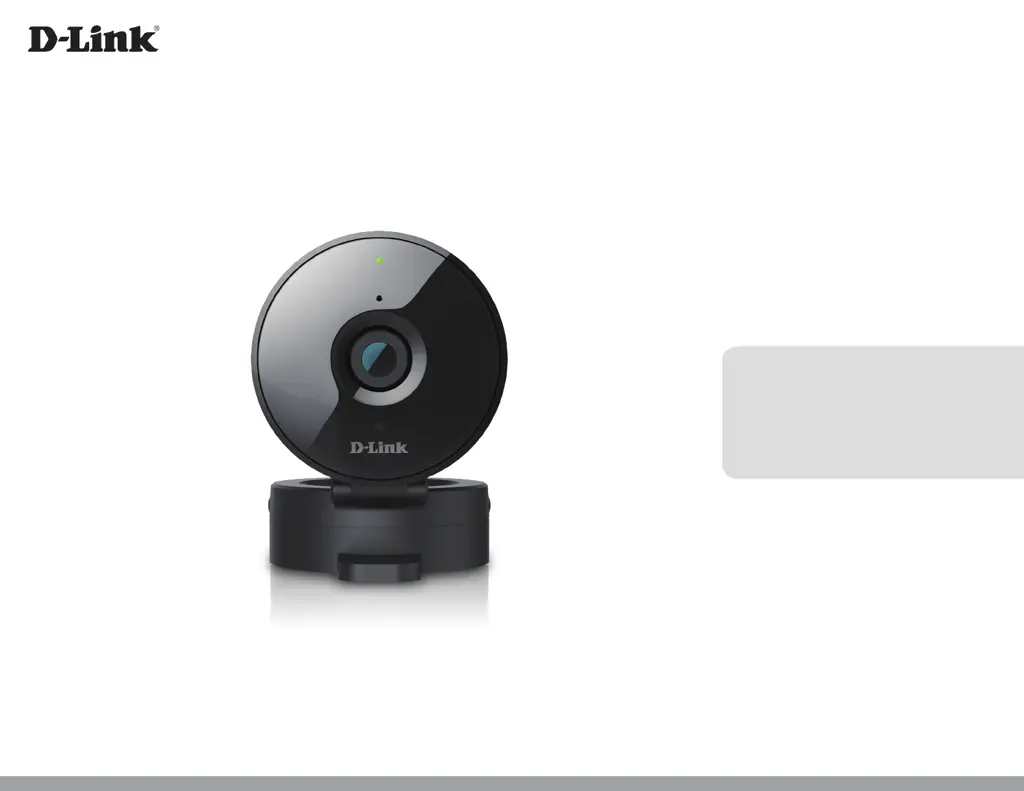
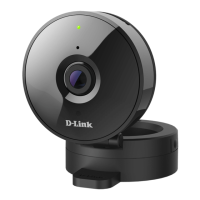
HD Wi-Fi Camera
DCS-936L

Questions and Answers

  • C
    Cheryl SandersAug 14, 2025
    What to do if I forget my D-Link IP Camera password?
    • E
      Elizabeth WellsAug 14, 2025
      If you forget your D-Link IP Camera password, you will need to perform a hard reset. This will revert all settings to factory defaults. To reset, use an unfolded paperclip to press and hold the reset button for at least 10 seconds while the camera is plugged in.
  • B
    Brian MontgomeryAug 18, 2025
    What to do if I forget my D-Link Security Camera password?
    • L
      Lorraine Craig MDAug 18, 2025
      If you forget your D-Link Security Camera password, you will need to perform a hard reset of your camera. This will change all your settings back to the factory defaults. To reset your camera, use an unfolded paperclip to press and hold the Reset button for at least 10 seconds while your camera is plugged in.
  • K
    Katherine WilliamsAug 21, 2025
    What to do if my D-Link Security cameras is not working correctly?
    • J
      jamesallisonAug 21, 2025
      First, reset the camera and try setting the camera up again. Also, check your router and make sure it has the latest firmware.
  • S
    Samantha HendersonAug 25, 2025
    What to do if my D-Link IP Camera is not working correctly?
    • D
      Denise HarrisAug 25, 2025
      If your D-Link IP Camera isn't working correctly, start by resetting it and attempting the setup process again. Ensure the power LED is solid green, your Internet connection is active, your router's LAN & WAN connections are functioning, your router supports UPNP, the camera and your mobile device are on the same network, and both have working Internet connections. If issues persist, verify that your router has the latest firmware.
  • K
    khaleAug 27, 2025
    Why is my D-Link IP Camera view hazy or bright in night vision mode?
    • C
      Catherine HartAug 28, 2025
      If your D-Link IP Camera view is hazy or too bright in night vision mode, the IR lights may be reflecting off a nearby surface or window. Try repositioning the camera to avoid these reflections or glare.
  • D
    Danielle GallagherAug 31, 2025
    What to do if my D-Link Security Camera is not working correctly?
    • B
      Brittany WellsAug 31, 2025
      If your D-Link Security Camera isn't working correctly, first reset it and try setting it up again. Ensure the power LED is solid green, your Internet connection is working, your router’s LAN & WAN connections are working and supports UPNP. Also, ensure that your camera is on the same network as your mobile device and both have a working Internet connection. If it's still not working, check that your router has the latest firmware.
  • W
    William AndersonSep 3, 2025
    Why is my D-Link Security Camera view hazy in night vision mode?
    • B
      Bryan ParksSep 3, 2025
      The hazy or bright view in night vision mode on your D-Link Security Camera may be due to the IR night vision lights reflecting off a nearby surface or window. Try repositioning your camera to avoid reflections or glare.
  • M
    Mathew ValdezSep 7, 2025
    What to do if I forget my D-Link Security cameras password?
    • M
      Mary BurkeSep 7, 2025
      If you forget your password, you will need to perform a hard reset of your camera. This process will change all your settings back to the factory defaults. To reset your camera, please use an unfolded paperclip to press and hold the Reset button for at least 10 seconds while your camera is plugged in.
  • M
    Melissa DavisSep 12, 2025
    Why is the D-Link Security cameras view hazy or bright when using night vision mode?
    • D
      Donald YoungSep 12, 2025
      The IR night vision lights on your camera may be reflecting off of a nearby surface or window. Try repositioning your camera to avoid reflections or glare.

D-Link 8DLDCS936L Specifications

General IconGeneral
CategorySecurity Camera
StoragemicroSD card slot (Up to 128GB)
Night Vision5 m (16 ft)
ConnectivityWi-Fi
AudioBuilt-in Microphone

Related product manuals