42D-Link DCS-936L User Manual
Section 3 - Conguration
HTTPS Setup
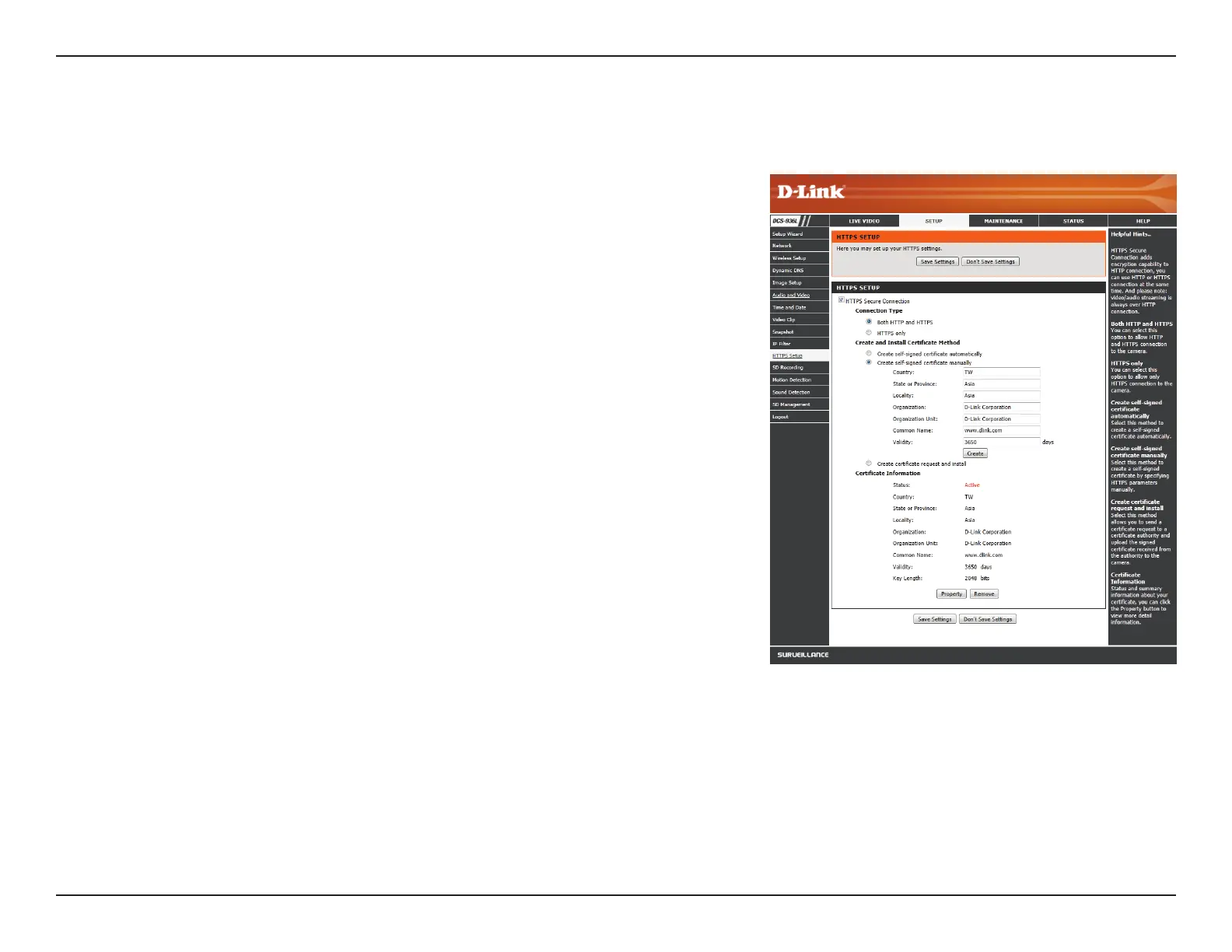
HTTPS Setup is used to add encryption to the HTTP connection, making it more secure and less susceptible to unauthorized use.
HTTPS Secure
Connection:
Connection
Type:
Create
and Install
Certicate
Method:
Certicate
Information:
Check this box to enable the HTTPS function.
Select whether the connection type should be HTTP and HTTPS or only
HTTPS.
Select whether to create a self-signed certicate automatically, manually,
or to request and install a certicate from an authority. If you choose
to manually create a certicate or request and install one, enter the
requested information.
General information and the status of the current HTTPS certicate is
displayed. If you would like to see more detailed information, click on
the Property button. If you would like to remove the certicate, click the
Remove button.
Click Save Settings to save your changes.















 To Next Page