13D-Link DCS-936L User Manual
Section 2 - Installation
Placing Your Camera
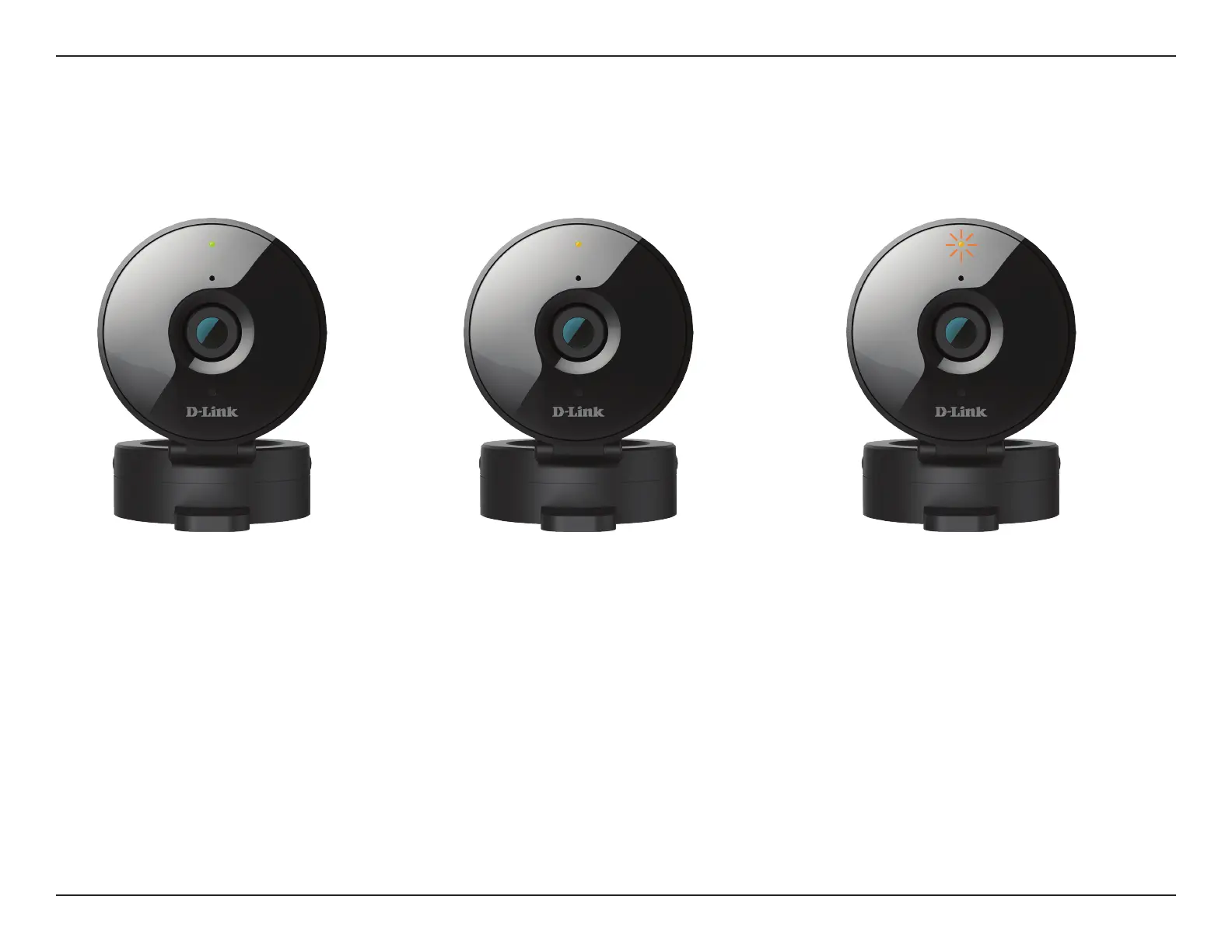
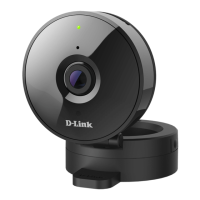
When placing your camera, you can use the wireless signal strength LED on the front of your camera to see whether your camera has a strong
wireless connection to your router.
Solid Green:
Strong wireless connection
Solid Orange:
Fair wireless connection
Flashing Orange:
Weak wireless connection
If the wireless signal strength LED is ashing orange, try moving the camera to a location closer to your router, or you can try purchasing a wireless
extender to extend the range of your wireless network.








 To Next Page