17D-Link DAP-1720 User Manual
Section 2 - Installation
QRS Mobile App Setup
The DAP-1720 can be set up from your iPhone, iPod touch, iPad, or Android smartphone or tablet device using the QRS Mobile app.
Step 2
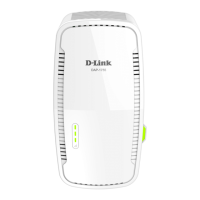
Once your app is installed, connect your mobile device to the wireless network of
your DAP-1720. You can nd the Wi-Fi name(SSID) and password of your device
on the included Wi-Fi Conguration Card.
Step 3
Once you are connected to the extender, launch the QRS Mobile app on your
mobile device and follow the on-screen instructions.
Step 1
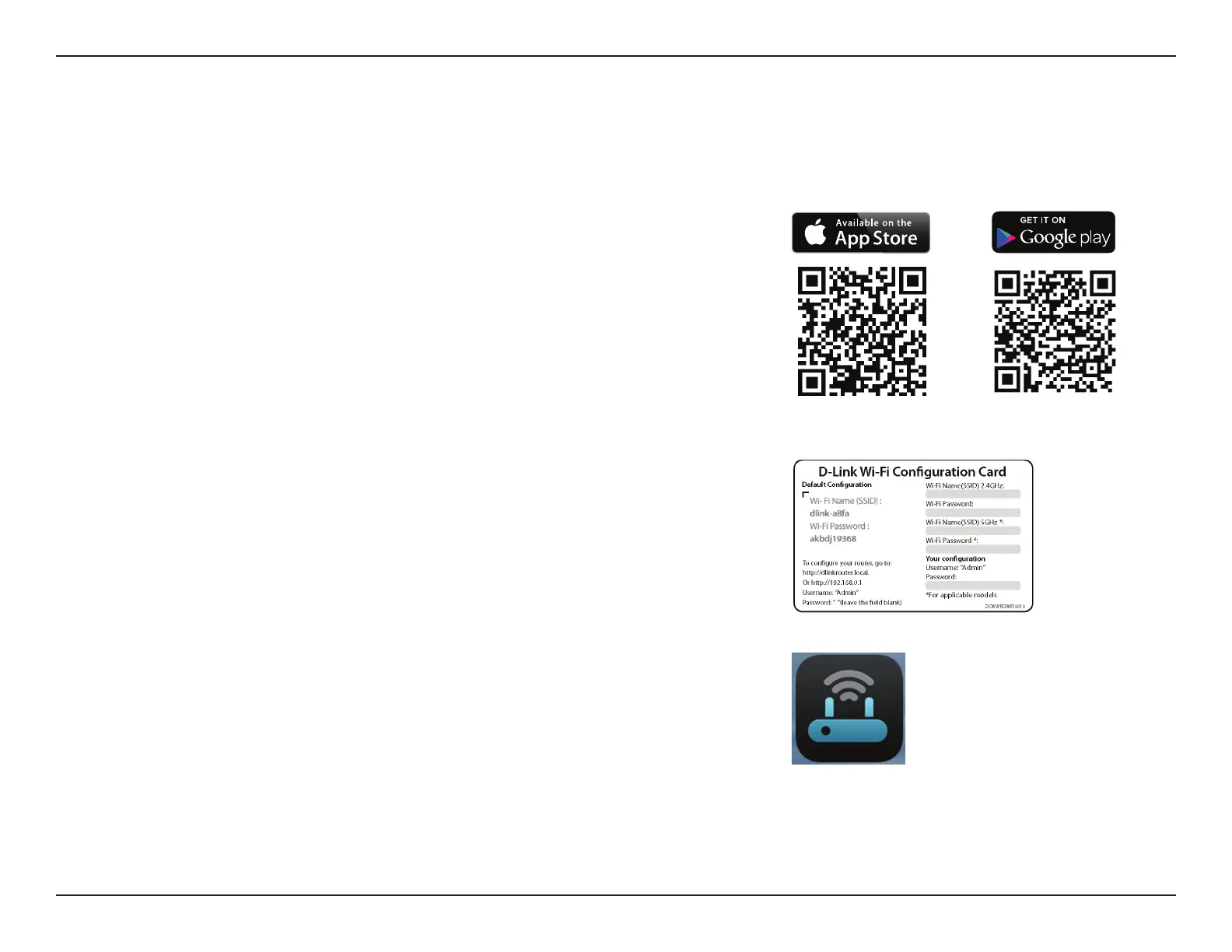
Search for the free QRS Mobile app on the Apple App Store or Google Play and
install it.
Note: The screenshots may be dierent depending on your mobile device’s OS version.



 To Next Page