36D-Link DCS-2103 User Manual
Section 3: Conguration
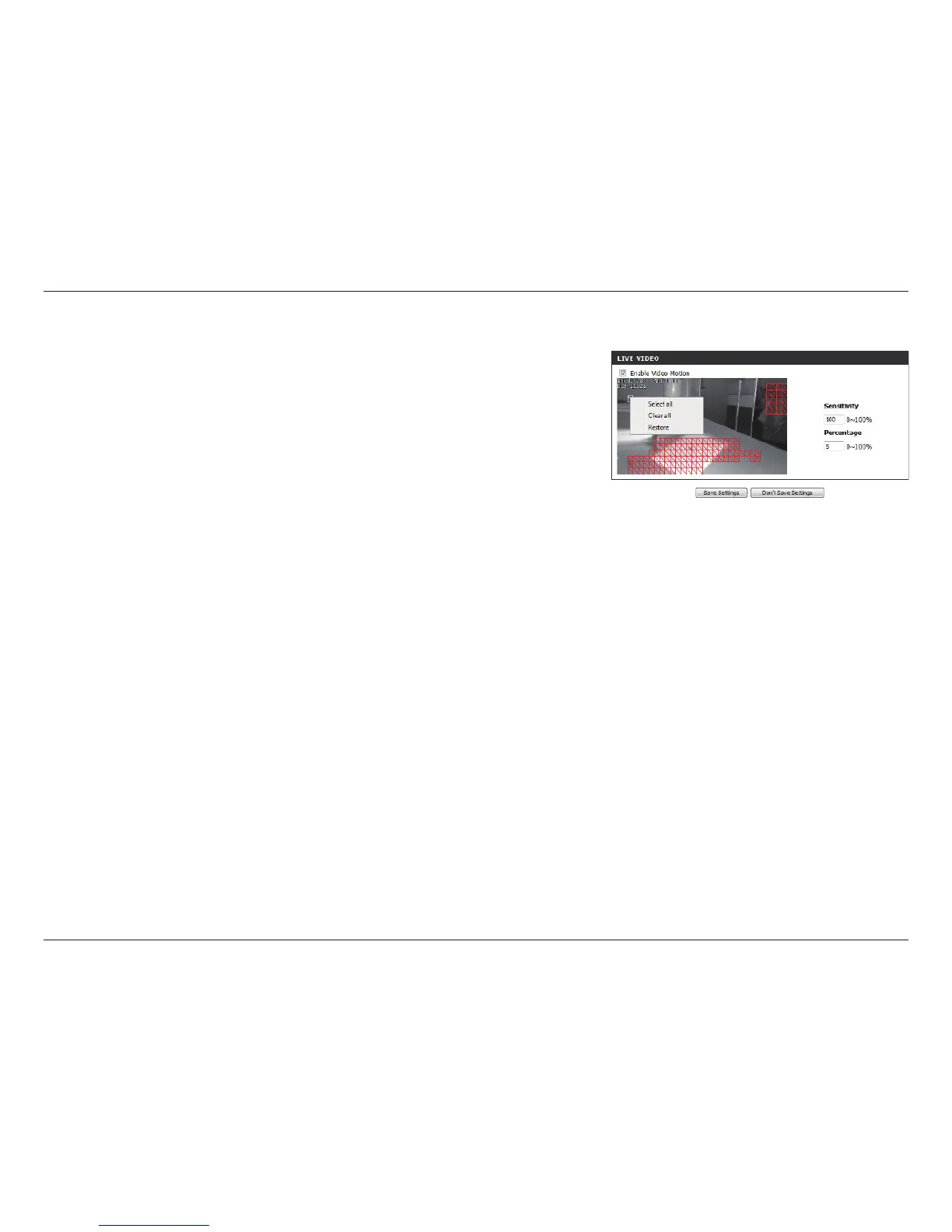
Draw Motion Area:
Erase Motion Area:
Use your mouse to click and drag on the area that you
would like to monitor for motion.
To erase a motion detection area, simply click on the red
square that you wish to remove.
Right clicking on the camera image brings up the
following menu options:
Select All: Draws a motion detection area over the
entire screen.
Clear All: Clears any motion detection areas that
have been drawn.
Restore: Restores the previously specied motion
detection areas.


 To Next Page