28D-Link DCS-2332L User Manual
Section 2: Installation
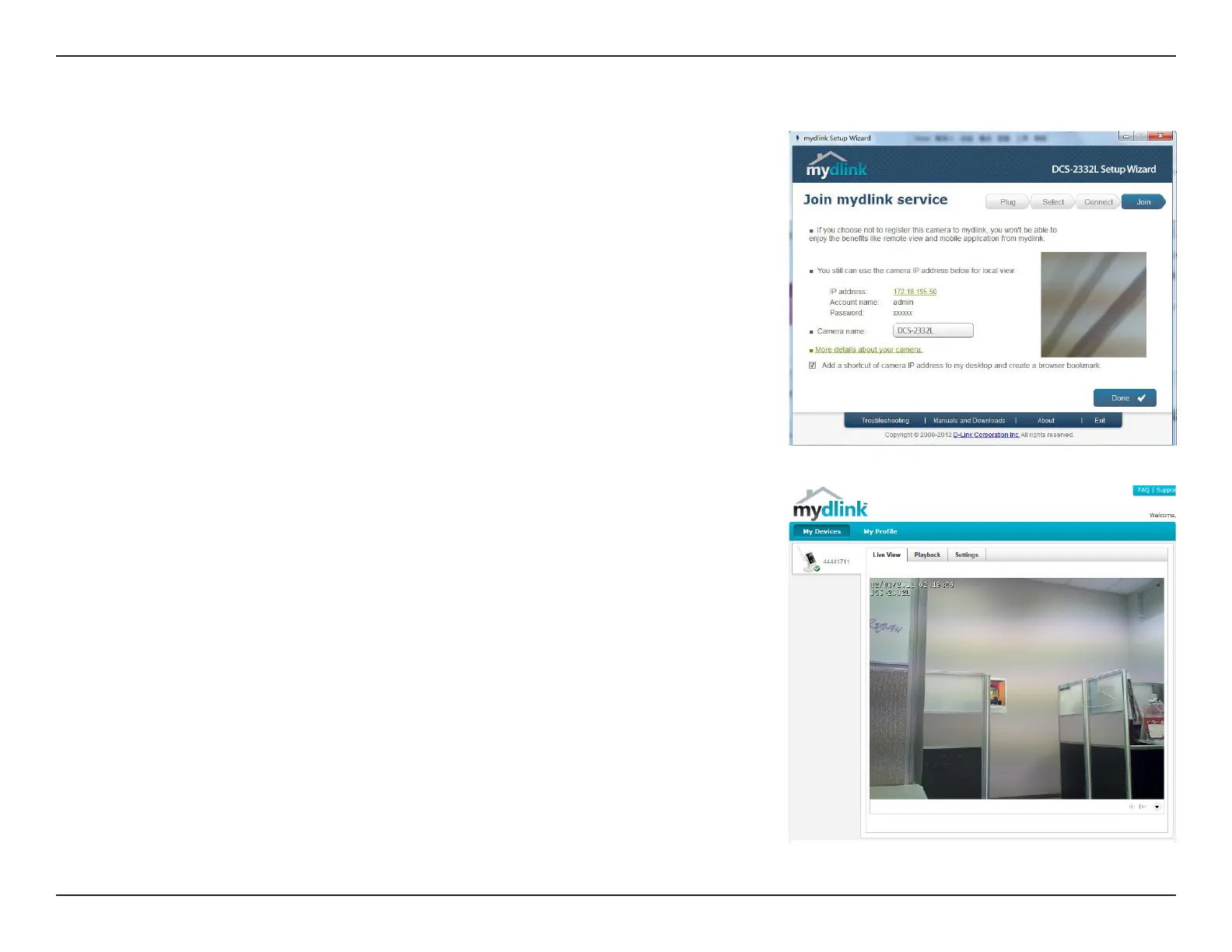
Conrm your camera login details and IP address details and click Done.
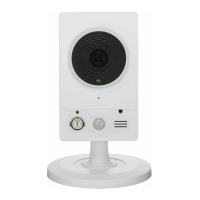
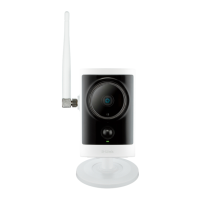
Your DCS-2332L camera is now setup. Log on to your mydlink account and explore
the exciting benets available to you.
You can skip to mydlink on page 31 to learn more about the mydlink features of
this camera, or to Conguration on page 40 for advanced conguration of your
camera.
DCS-2332L


 To Next Page