30D-Link DCS-2332L User Manual
Section 2: Installation
Manual Hardware Installation
If you wish to set up your camera without using the Camera Setup Wizard, please follow these steps.
Note: In order to use the mydlink features of this product, you will need to go through the Camera Setup Wizard.
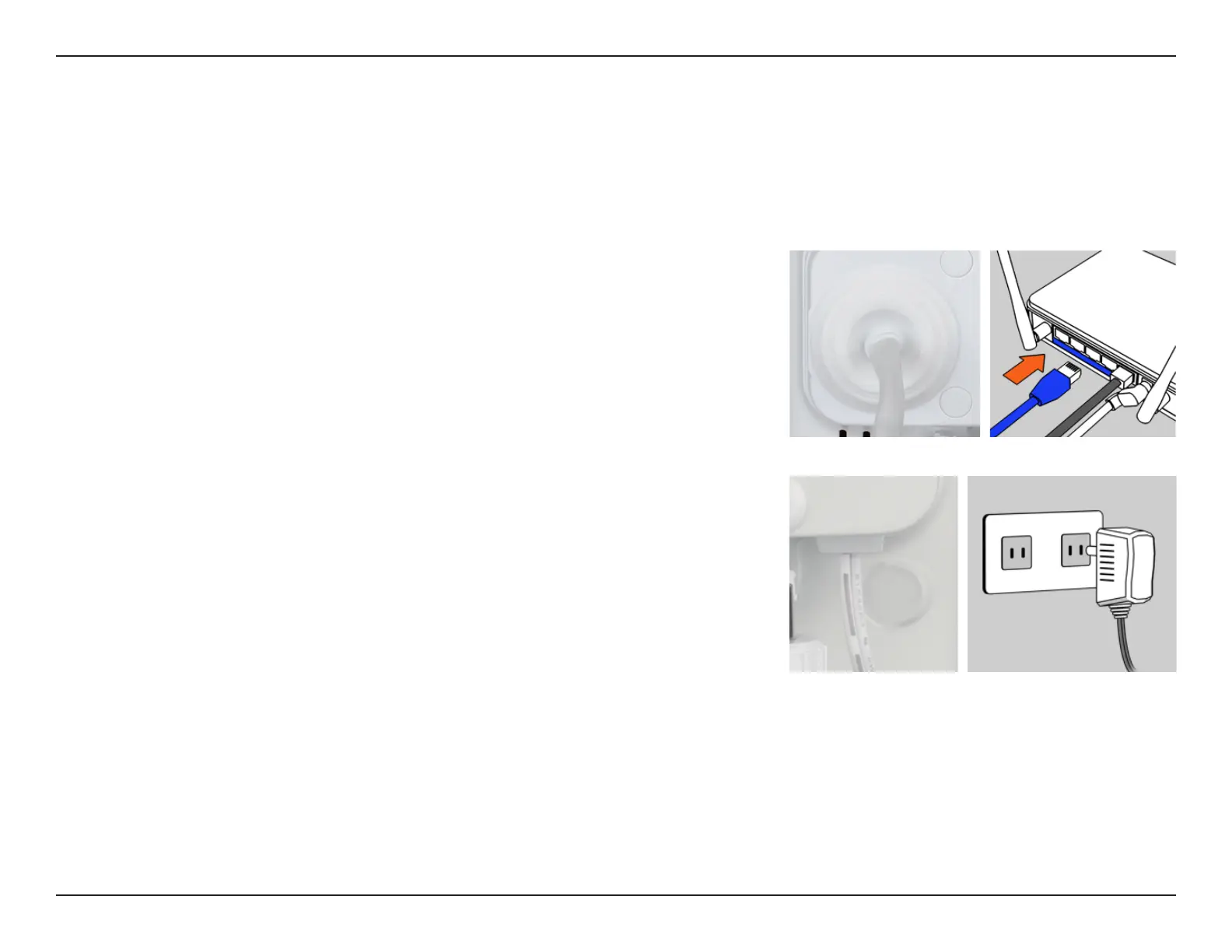
Connect the Ethernet Cable
Using the pre-attached Ethernet cable, connect the free end to your network.
Attach the External Power Supply
Attach the external power supply to your wall outlet or power strip.


 To Next Page