75D-Link DCS-2332L User Manual
Section 4: Conguration
System
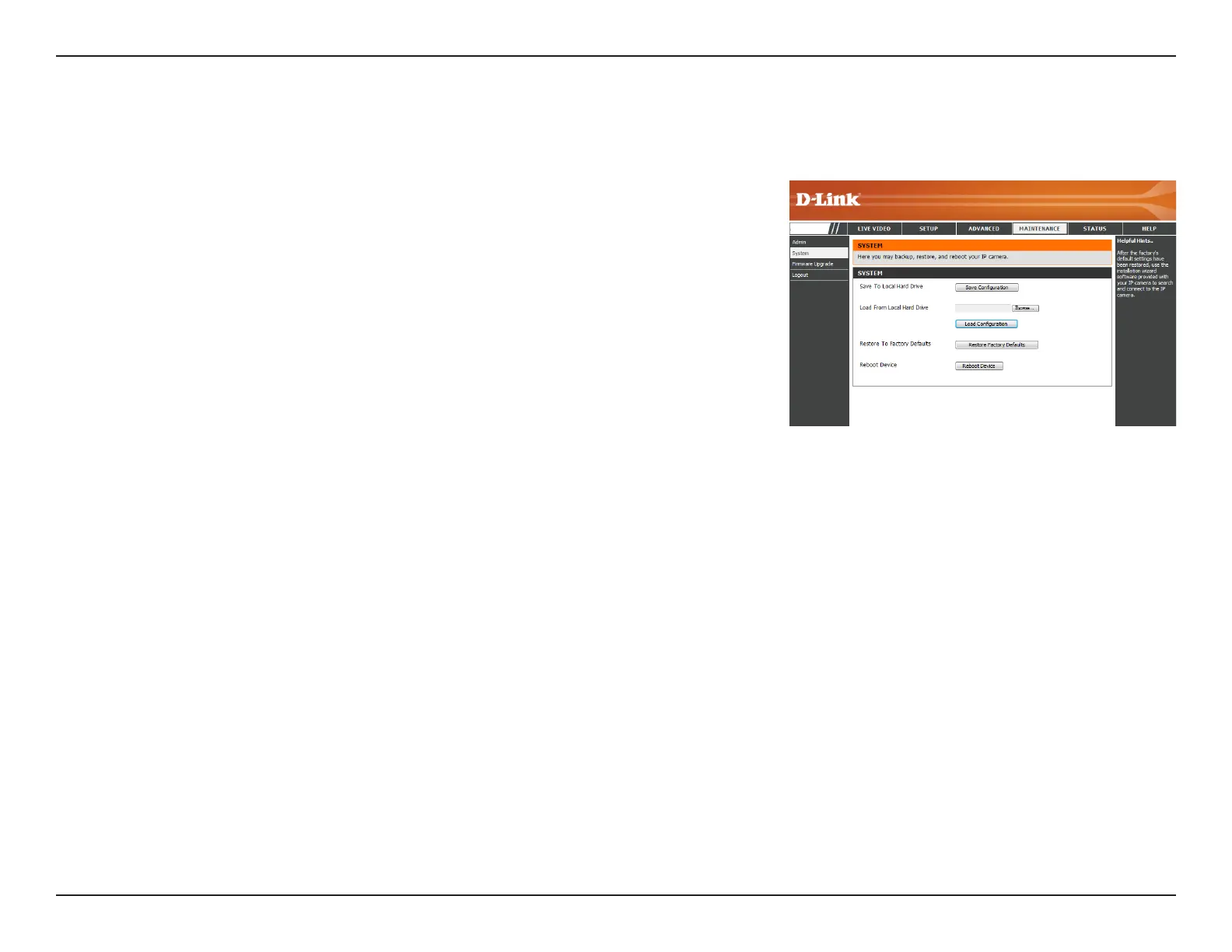
In this section, you may backup, restore and reset the camera conguration, or reboot the camera.
Save To Local Hard Drive:
Local From Local Hard Drive:
Restore to Factory Default:
Reboot Device:
You may save your current camera conguration as a le
on your computer.
Locate a pre-saved conguration by clicking Browse and
then restore the pre-dened settings to your camera by
clicking Load Conguration.
You may reset your camera and restore the factory
settings by clicking Restore Factory Defaults.
This will restart your camera.
DCS-2332L


 To Next Page