D-Link DES-3350SR Standalone Layer 3 Switch
143
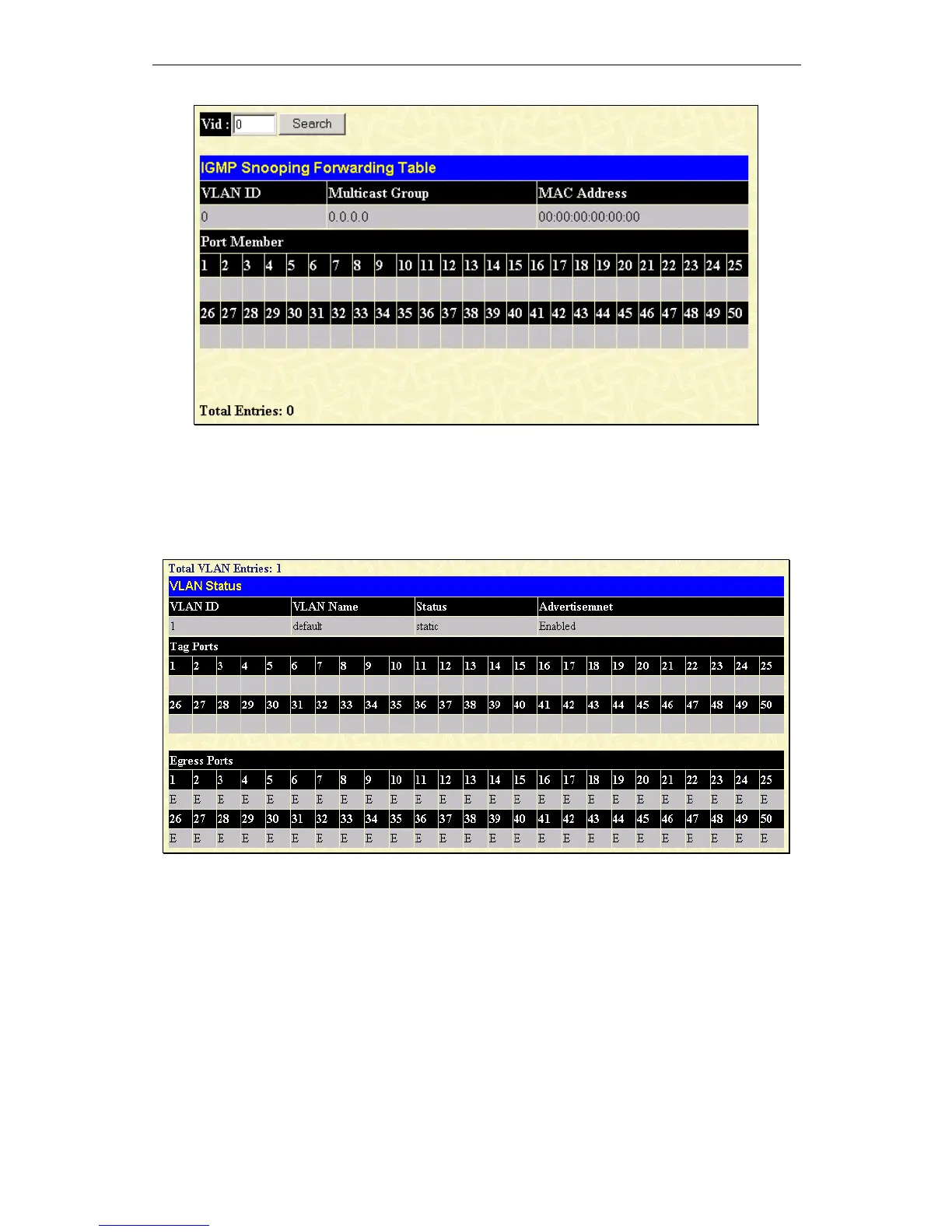
Figure 10 - 18. IGMP Snooping Forwarding Table window
Enter the VLAN ID for the desired IGMP Snooping Forwarding Table and click Search.
VLAN Status
To view the VLAN Status, click VLAN Status on the Monitoring menu:
Figure 10 - 19. VLAN Status window
This read-only window displays information about the switch’s current VLAN configuration.
Router Port
This displays which of the switch’s ports are currently configured as router ports. A router port configured by a user (using the
console or Web-based management interfaces) is displayed as a static router port in the first two rows of the Router Port window.
A router port that is dynamically configured by the switch is located in the third and fourth rows.
To view the Router Port table, click on the Router Port link on the Monitoring menu:













 To Next Page