D-Link DES-3350SR Standalone Layer 3 Switch
24
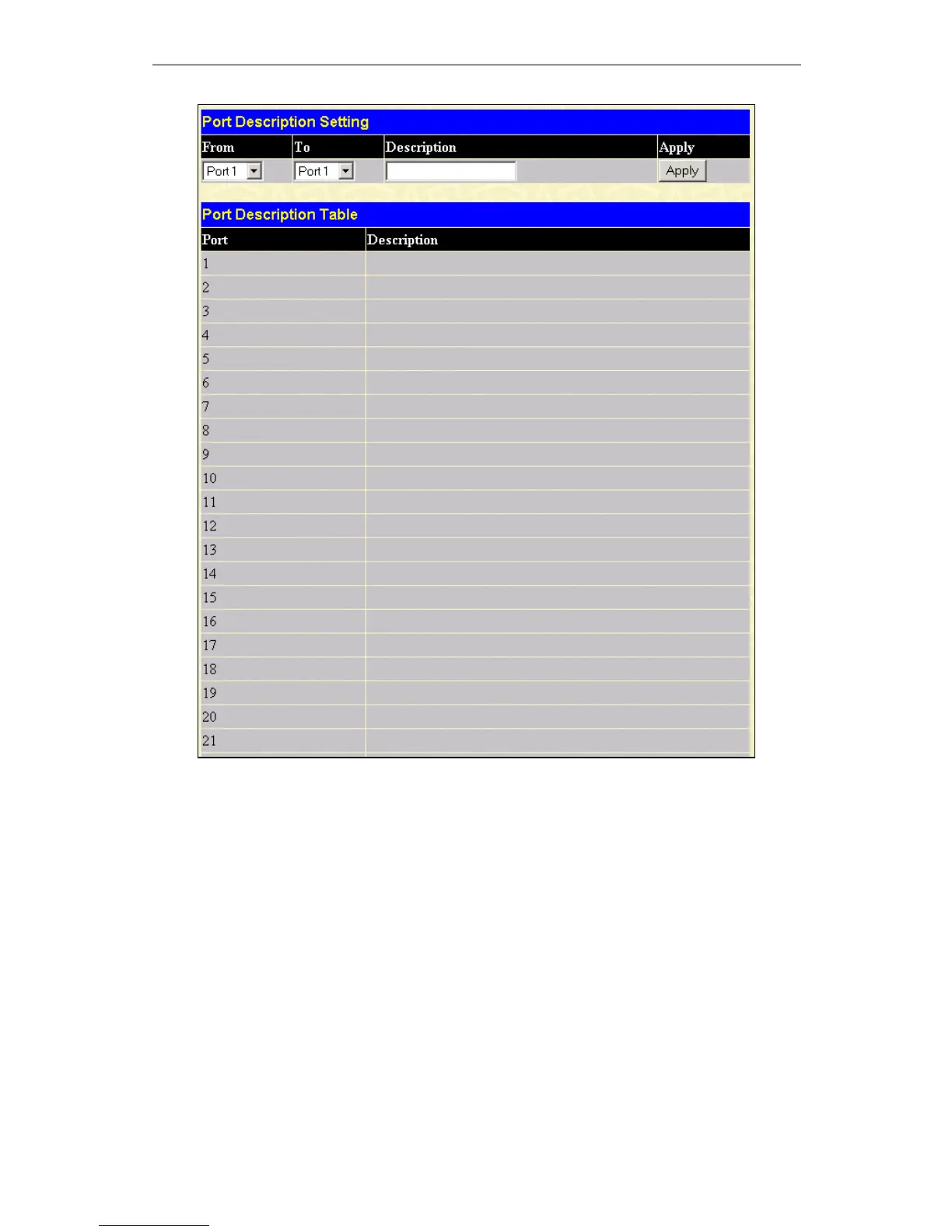
Figure 7 - 4. Port Description Settings window
Use the From and To pull down menu to choose a port or range of ports to describe and Unit to choose the Switch in the switch
stack, and then enter a description of the port(s). Click Apply to set the descriptions in the Port Description Settings Table.
Port Configuration
Click the Port Configuration link in the Configuration menu:













 To Next Page