D-Link DES-3350SR Standalone Layer 3 Switch
144
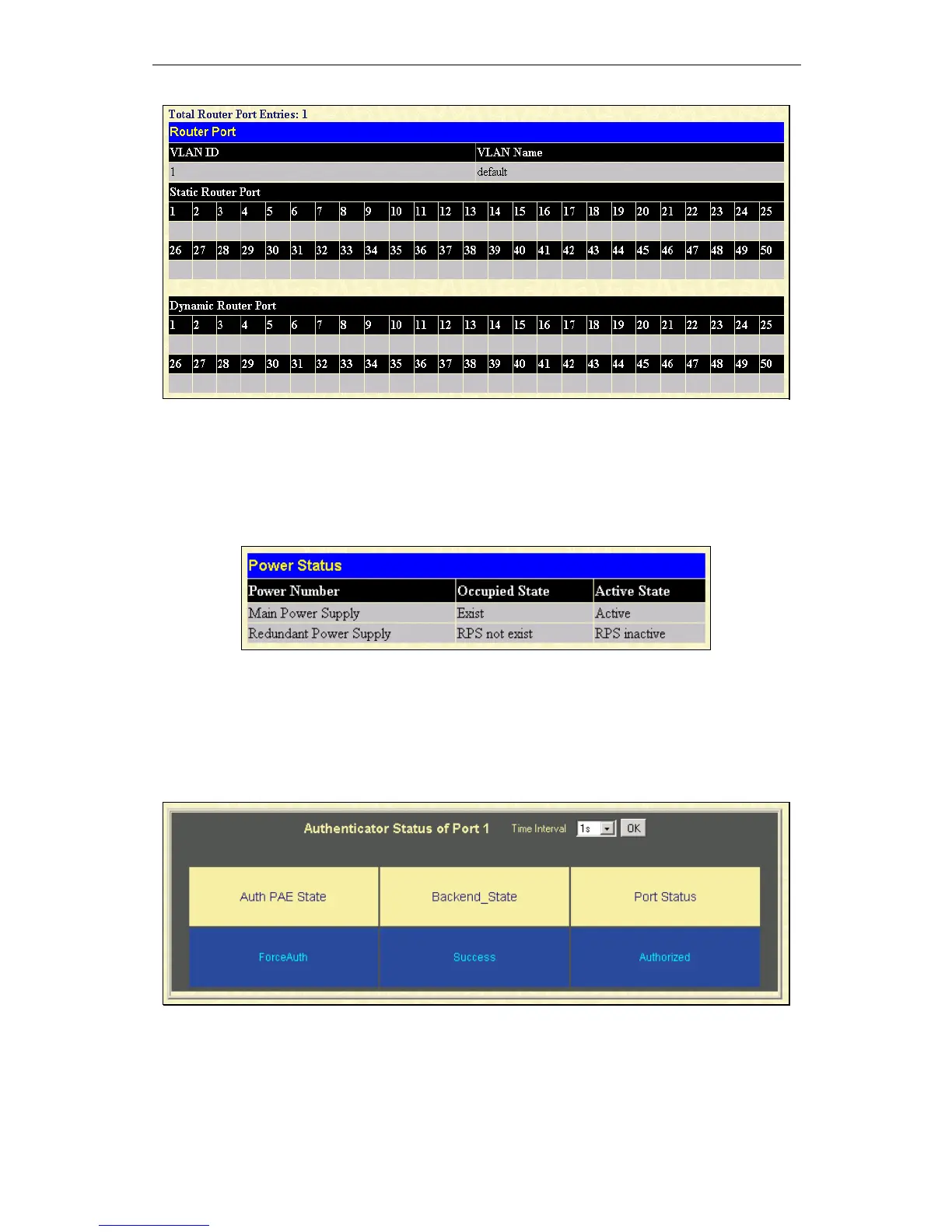
Figure 10 - 20. Router Port window
Static router ports are configured by the user and dynamically assigned router ports are configured by the switch.
Power Status
To view the Power Status of the Main Power Supply and the Redundant Power supply, click on Power Status in the Monitoring
menu:
Figure 10 - 21. Power Status table
Port Access Control
Authenticator State
To view the Authenticator Status for Auth PAE State, Backend State, and Port Status, click on the Authenticator State link on the
Port Access Control folder on the Monitoring menu:
Figure 10 - 22. Authenticator Status window













 To Next Page