Sharing Files
With your computers connected together on a network, you may now open and save
files on another computer. You will be able to specify particular folders or disk
drives to "share" and even password protect them. The steps below will enable you
to share specific files and folders with other computers on your network.
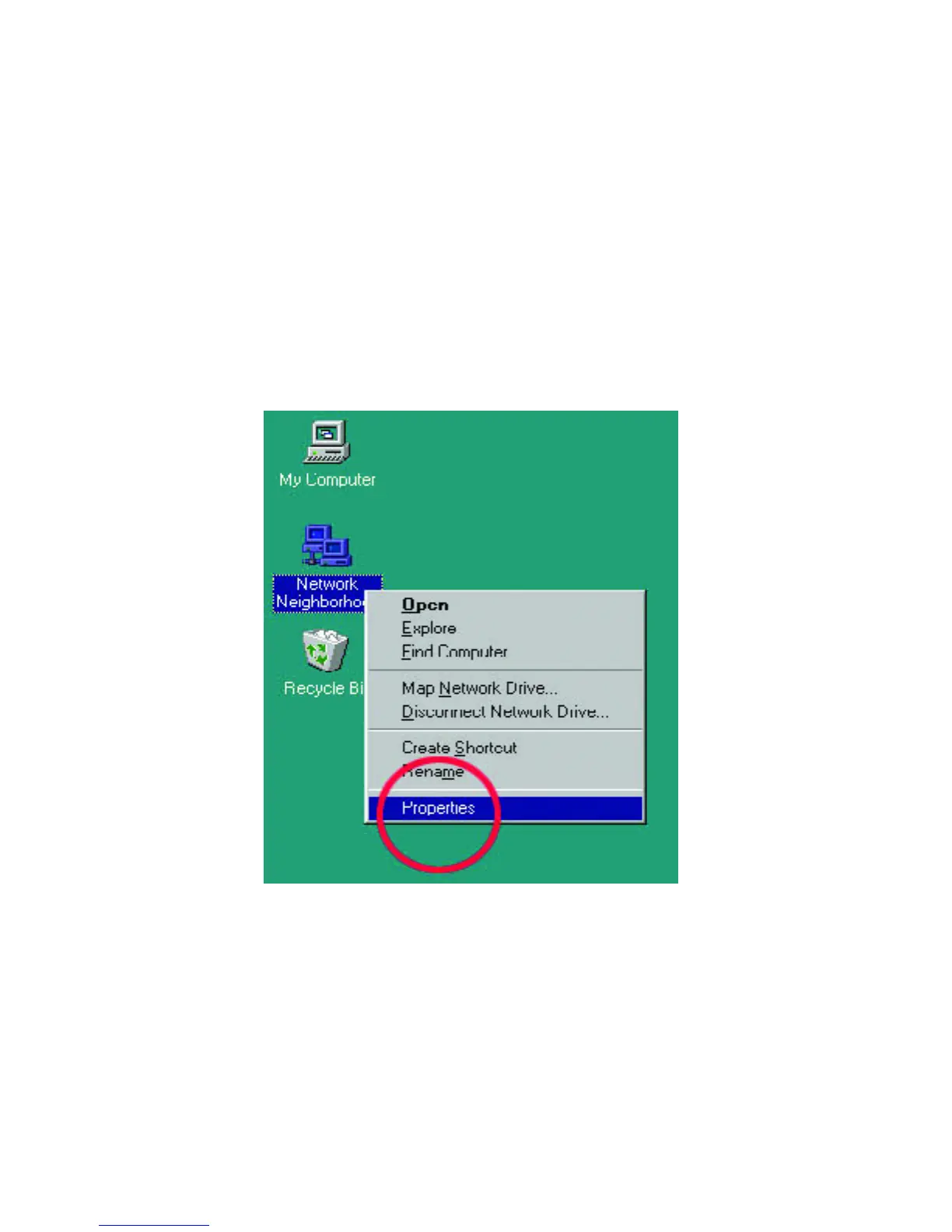
1. On your Desktop, right-click the icon "Network Neighborhood" and select
"Properties" from the context menu.



 To Next Page