Networking Basics
You may have had some ideas about how to use your new network prior to
installing the DFE-528TX – sharing files, printing from any computer on the
network, or accessing the Internet on multiple computers with one connection. This
section will help you get started on those ideas or even give you some new ones.
However, this section is not intended to be a comprehensive guide to networking, it
is just an outline of a few networking basics.
If you installed your DFE-528TX on computers running Windows 95, you got an
opportunity to give each computer a name during the installation of the network
system software. If you had previously given your Windows 95 computers names or
if you are using Windows 98, you may need to verify that each computer has a
unique name and common workgroup name.
Computer Identification
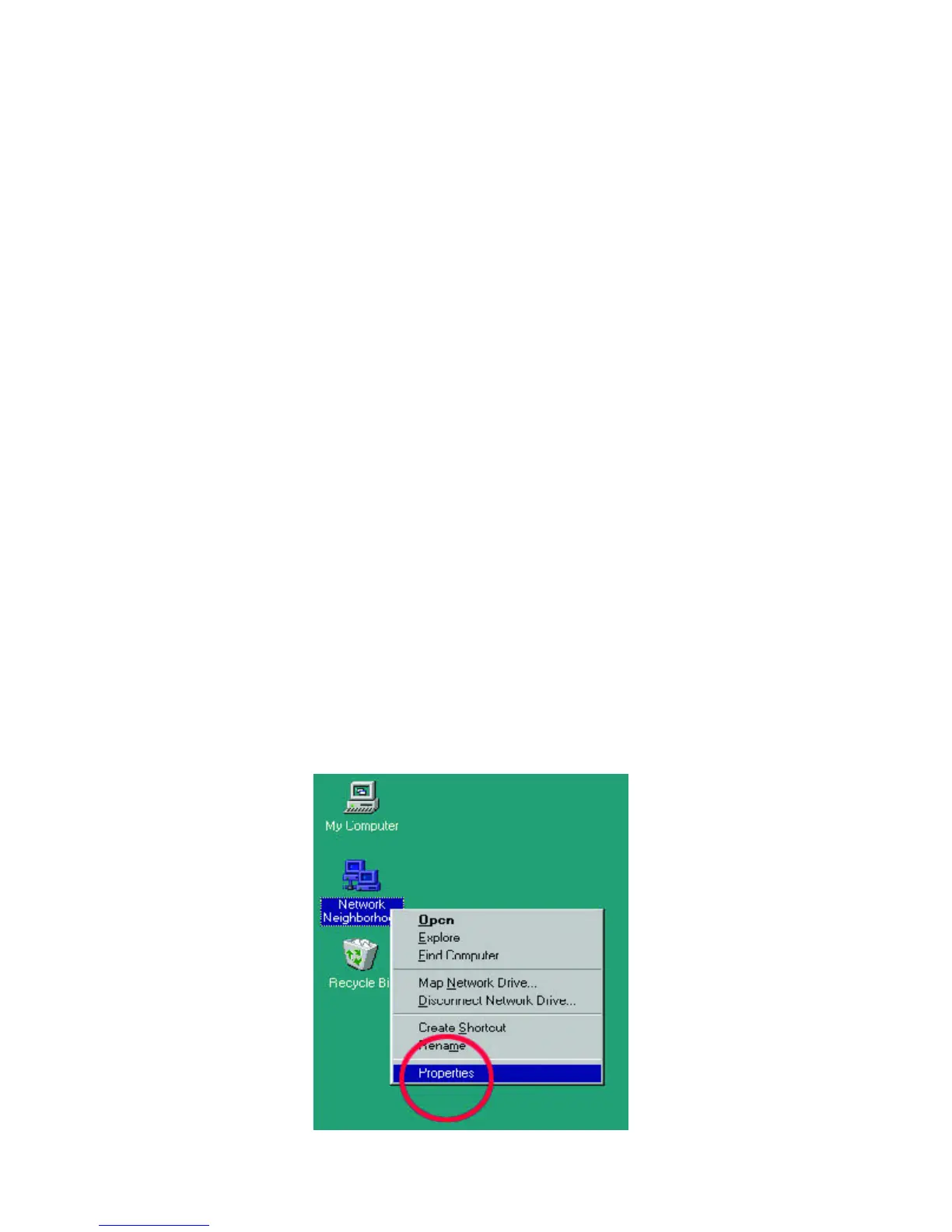
1. On your Desktop, right-click the icon "Network Neighborhood" and select
"Properties" from the context menu.



 To Next Page