Running Diagnostics on the Network Adapter
Follow these steps to run Diagnostics:
1. Restart your computer in MS-DOS mode. (Click "Start", then "Shut Down... "
and finally select "Restart the computer in MS-DOS mode?")
2. Insert the CD-ROM labeled “DFE-528TX PCI Ethernet Adapter Driver
Program” into the “D” drive. The “D” drive represents the CD-ROM drive.
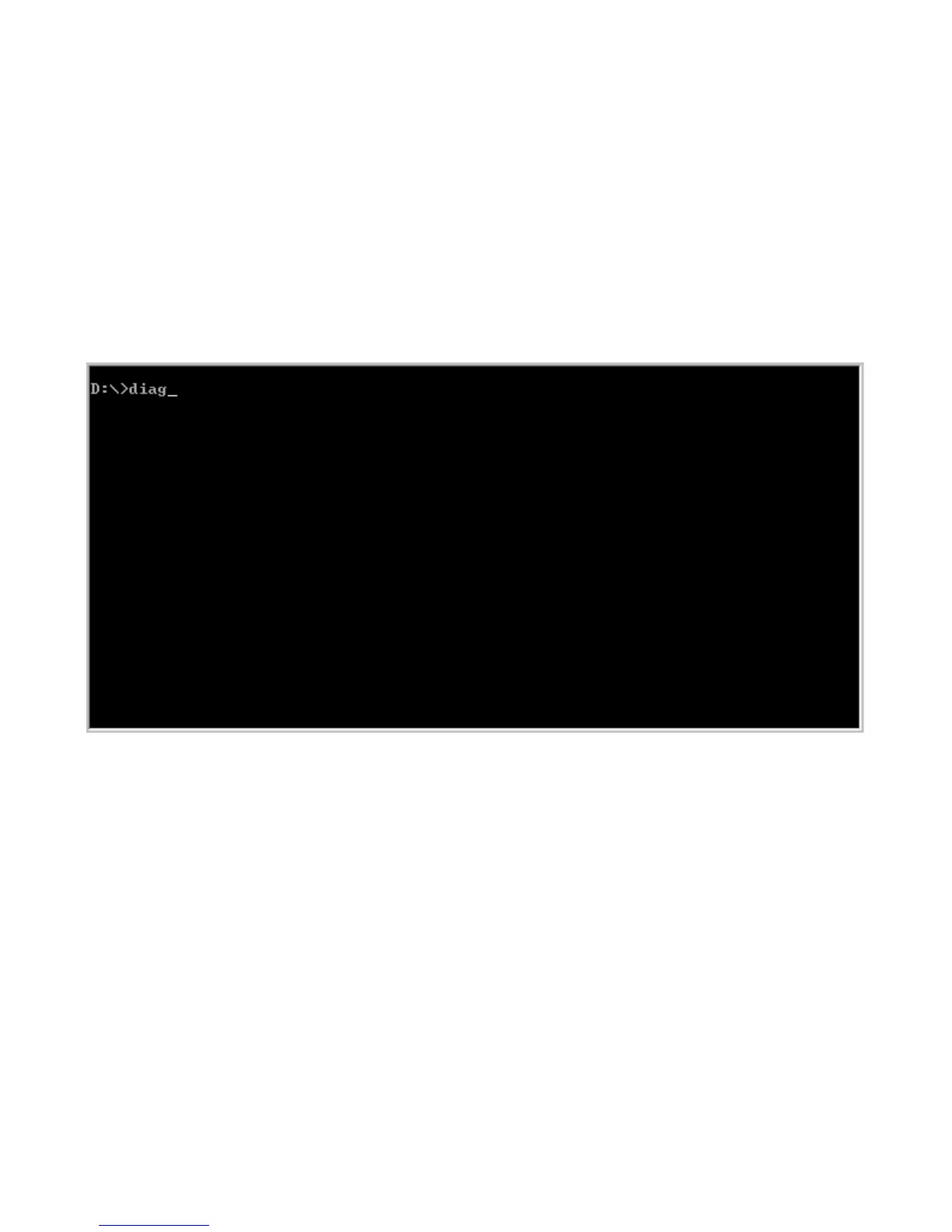
3. Type in “D:” to specify the CD-ROM drive. Then type “diag” and hit enter.
The screen on the following page will appear.



 To Next Page