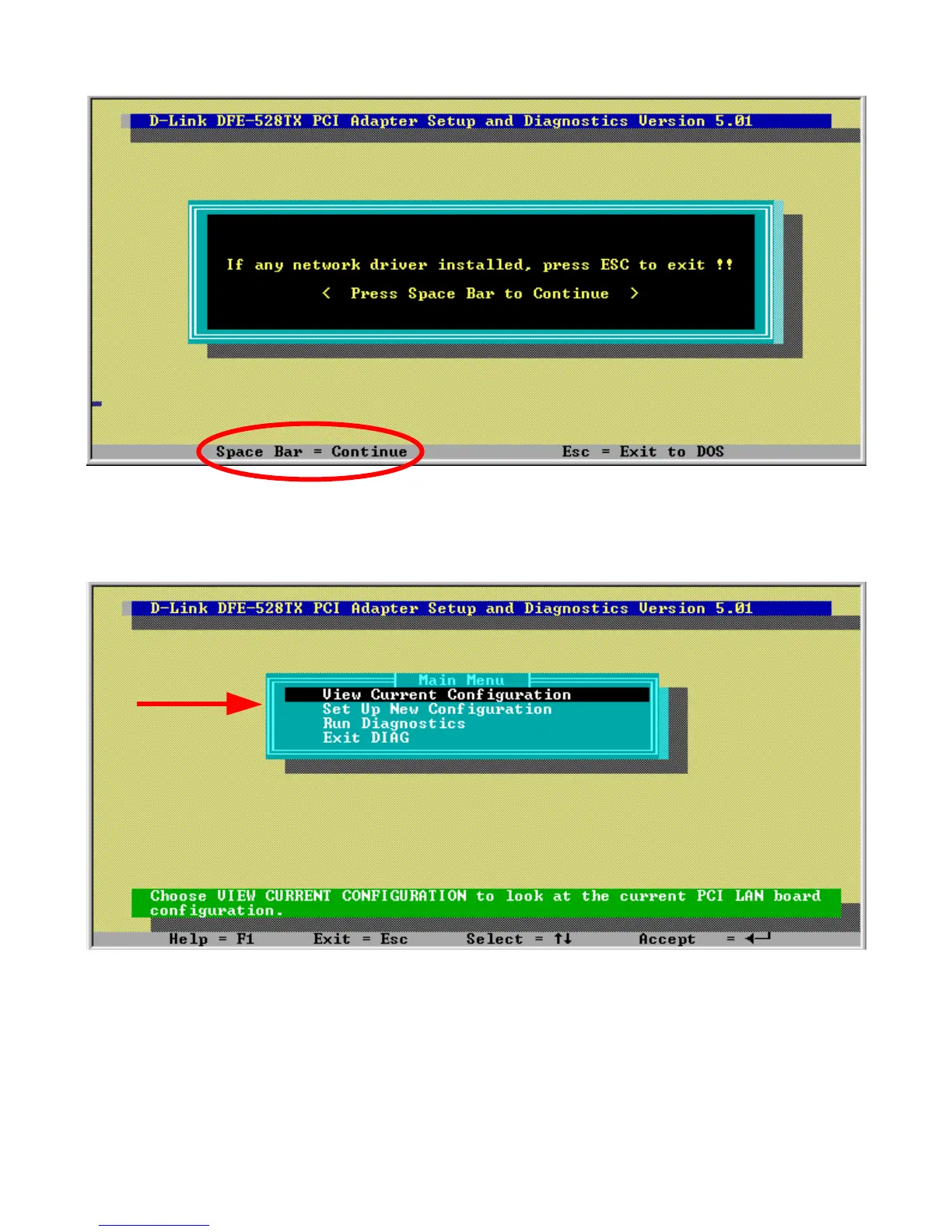
4. Go down to the bottom of the screen and follow the instruction to enter the
diagnostics by hitting the space bar.
5. Go to View Current Configuration, hit enter and check the Ethernet Address for
the card. (If the address is A5-A5-A5-A5-A5, FF-FF-FF-FF-FF, or any single
alphanumeric pair all the way across, that is an indication of a defective card.)



 To Next Page