7. The shared drive should now have a hand underneath it, indicating that it is a
shared drive.
Sharing Folders
Follow these steps to share a folder:
1. You must be logged in as a member of the Administrators, Server Operators, or
Power Users groups to perform these operations.
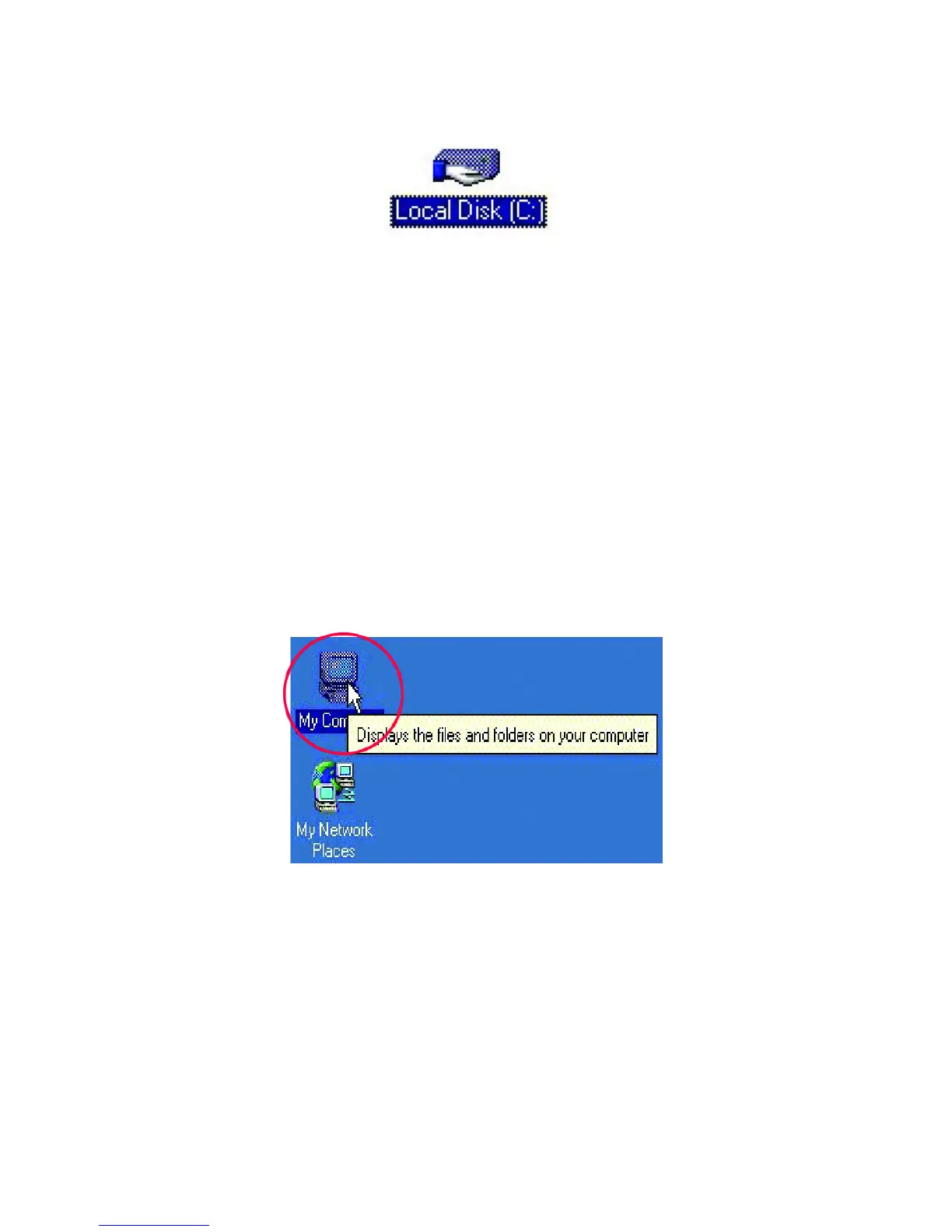
2. Double click the “My Computer” icon to open it.



 To Next Page