6. You may now share any installed printers connected to this computer with
other computers on your network.
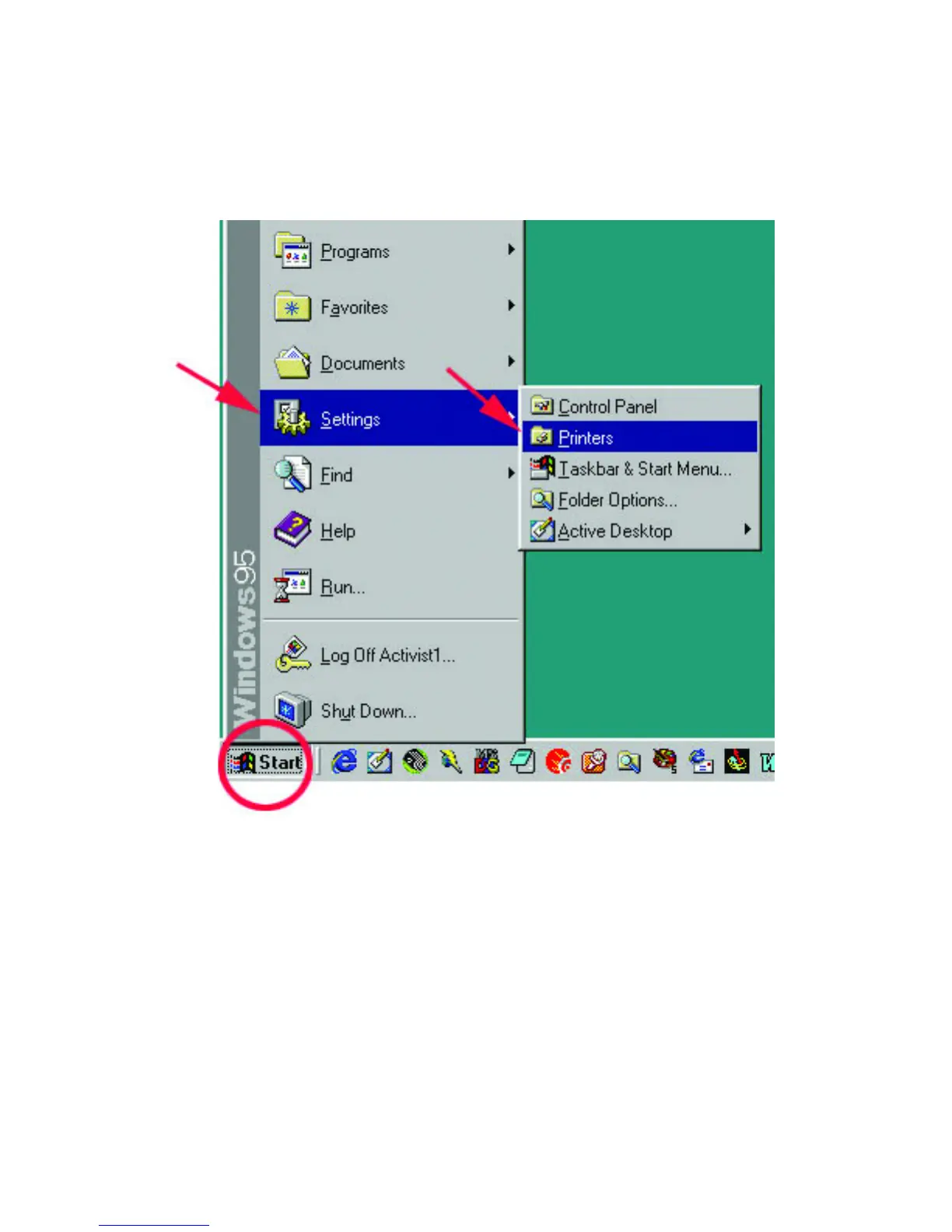
Go to START>SETTINGS>PRINTERS
7. Right-click on the printer you want to share with others on the network and
select "Sharing…"
8. Click "Share As:" and provide a "Share Name:" to identify the printer to other
computers on the network. "Comment:" and "Password:" are optional.
Click OK.
9. Shared printers become Network Printers for other computers on the network.
For a computer to access a Network Printer, the device driver or software for
that printer must be installed and pointed to the proper location of the printer.



 To Next Page