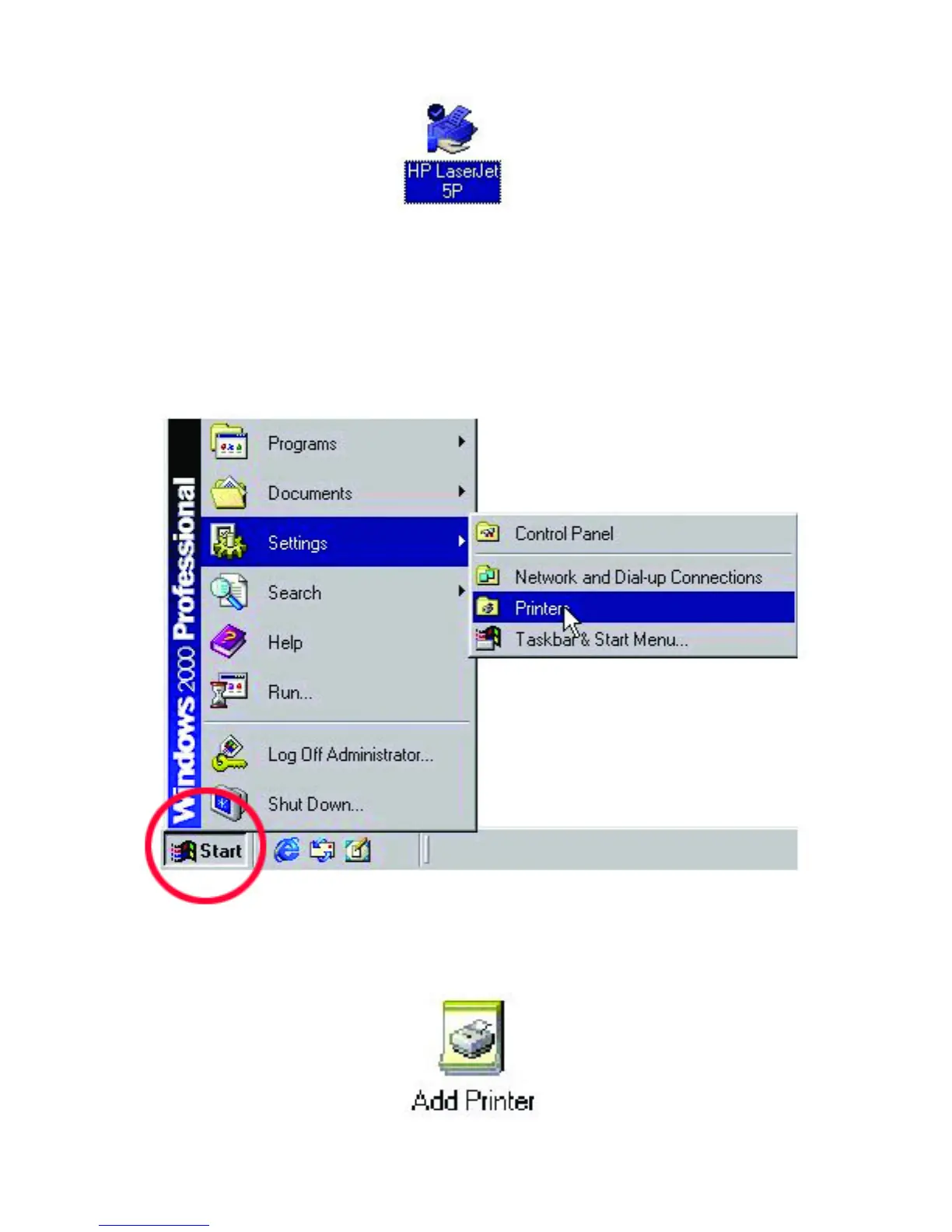
The printer should now have a hand underneath it, indicating that it is now shared.
Follow these steps to access the printer from all other computers on the network,
repeat as needed for each computer:
5. Go to Start > Settings > Printers
6. Double click on the “Add Printer” icon.



 To Next Page