18D-Link DHP-W306AV User Manual
Section 3 - Configuration
Wireless
If you wish to change the default settings or optimize
the performance of the DHP-W306AV, you may use
the web-based conguration utility.
To access the conguration utility, open a web browser
such as Internet Explorer and enter either
or in the address eld.
Type as the User Name and then enter your
password. Leave the password blank by default.
If you receive a “Page Cannot be Displayed” error,
please refer to the section on page
64 for assistance.
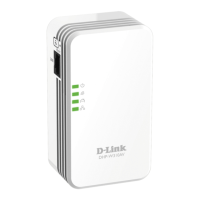
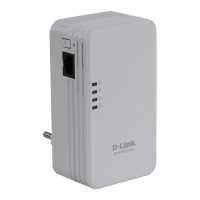
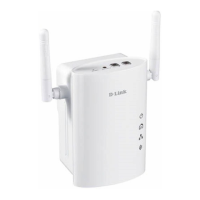
Connect an Ethernet cable from the Ethernet port on the DHP-W306AV to a computer for conguration.
http://dlinkap


 To Next Page