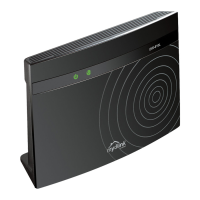
DIR-816 Wireless AC750 Dual Band Router with 3G/LTE
Support and USB Port
User Manual
Configuring via Web-based Interface
Creating PPPoE WAN Connection
To create a connection of the PPPoE type, click the ADD button on the Connections Setup /
WAN page in the Connections List section. On the opened page, go to the All Settings tab.
Then select the relevant value from the Connection type drop-down list and specify the needed
values.
Figure 67. The page for creating a new PPPoE connection. Selecting a connection type.
Parameter Description
Enable connection
Move the switch to the right to enable the connection.
Move the switch to the left to disable the connection.
Connection name A name for the connection for easier identification.
Page 79 of 215



 To Next Page