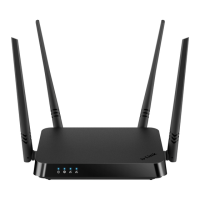
DIR-842 AC1200 Wave 2 MU-MIMO Wi-Fi EasyMesh Gigabit
Router
User Manual
Overview
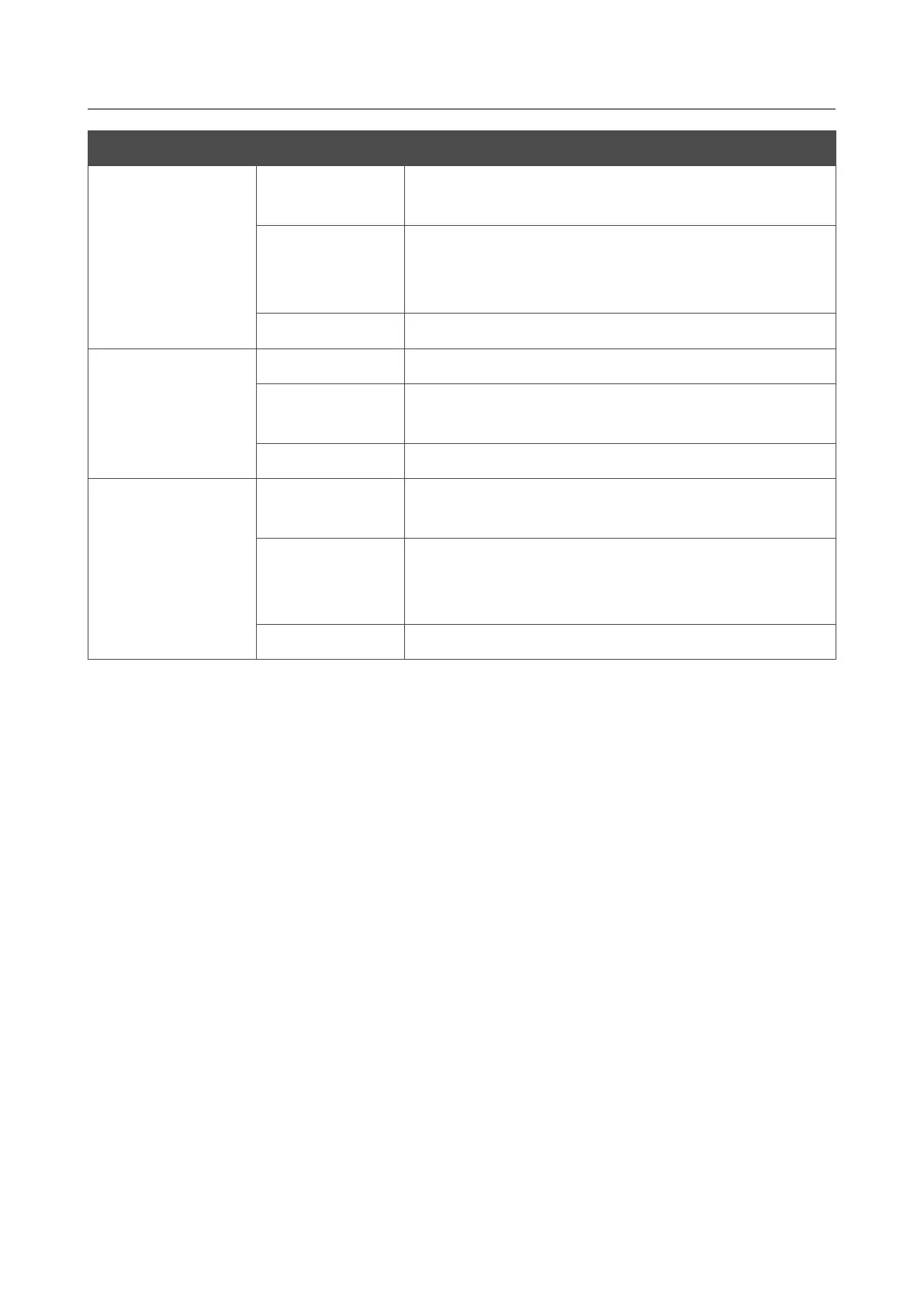
LED Mode Description
LAN 1-4
Solid green
A device (computer) is connected to the relevant port,
the connection is on.
Blinking green
Data transfer through the relevant LAN port.
When the router is being loaded, the LEDs are blinking
one at a time.
No light
The cable is not connected to the relevant port.
WLAN 2.4G
WLAN 5G
Solid green
The router's WLAN of the relevant band is on.
Blinking green
Data transfer through the Wi-Fi network of the relevant
band.
No light
The router's WLAN of the relevant band is off.
WPS
Fast blinking green
The device is in the emergency mode. Restore the
factory default settings via the hardware RESET button.
Slow blinking green
• Attempting to connect mesh network devices or
add a wireless device via the WPS function, or
• the firmware is being updated.
No light
The WPS function is not in use.
Page 14 of 233



 To Next Page