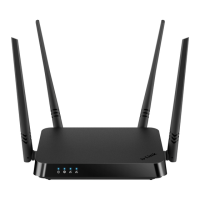
DIR-842 AC1200 Wave 2 MU-MIMO Wi-Fi EasyMesh Gigabit
Router
User Manual
Configuring via Web-based Interface
Schedule
On the System / Schedule page, you can enable/disable Wi-Fi connection and the Wi-Fi filter,
configure automatic reboot of the device on a schedule, and set a schedule for different rules and
settings of the firewall.
!
Before creating a schedule you need to configure automatic synchronization of the system
time with a time server on the Internet(see t he System Time section, page 214 ).
Figure 149. The System / Schedule page.
To configure automatic reboot of the device on a schedule, click the REBOOT ON SCHEDULE
button in the Auto Reboot section.
Figure 150. The window for configuring automatic reboot on a schedule.
Page 202 of 233



 To Next Page