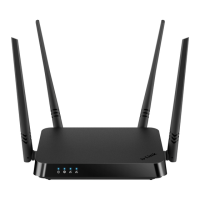
DIR-842 AC1200 Wave 2 MU-MIMO Wi-Fi EasyMesh Gigabit
Router
User Manual
Configuring via Web-based Interface
Mesh Network Subordinate Device (Agent)
In order to configure DIR-842 as a subordinate device of your mesh network, from the
Connection method list, select the EasyMesh value. Then from the Device role list, select
the Agent value. From the Backhaul band list, select the band where your main device (in the
Controller role) operates.
Then a subordinate device is configured in the access point mode. In this mode you can change the
LAN IP address and set your own password for access to the web-based interface of the device.
Figure 40. Configuring the EasyMesh function for a subordinate device.
Page 48 of 233



 To Next Page