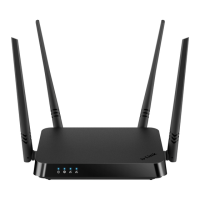
DIR-842 AC1200 Wave 2 MU-MIMO Wi-Fi EasyMesh Gigabit
Router
User Manual
Configuring via Web-based Interface
To edit a rule for remote access, left-click the relevant rule. In the opened window, change the
needed parameters and click the SAVE button.
To change or delete the schedule for a rule, click the Edit schedule icon ( ) in the line
corresponding to this rule. In the opened window, change the parameters and click the SAVE
button or click the DELETE FROM SCHEDULE button.
To remove a rule for remote access, select the checkbox located to the left of the relevant line in the
table and click the DELETE button ( ).
Page 194 of 233



 To Next Page