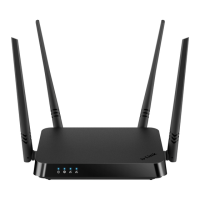
DIR-842 AC1200 Wave 2 MU-MIMO Wi-Fi EasyMesh Gigabit
Router
User Manual
Configuring via Web-based Interface
Parameter Description
Logging
Type
Select a type of logging from the drop-down list.
• Local: The system log is stored in the router's memory. When
this value is selected, the Server and Port fields are not
displayed.
• Remote: The system log is sent to the remote host specified
in the Server field.
• Remote and local: The system log is stored in the router's
memory and sent to the remote host specified in the Server
field.
Level Select a type of messages and alerts/notifications to be logged.
Server
The IP or URL address of the host from the local or global network,
to which the system log will be sent.
Port
A port of the host specified in the Server field. By default, the
value 514 is specified.
After specifying the needed parameters, click the APPLY button.
To disable logging of the system events, move the Enable switch to the left and click the APPLY
button.
Page 207 of 233



 To Next Page