DIR-853 AC1300 MU-MIMO Wi-Fi Gigabit Router
with 3G/LTE Support and USB Port 3.0
User Manual
Overview
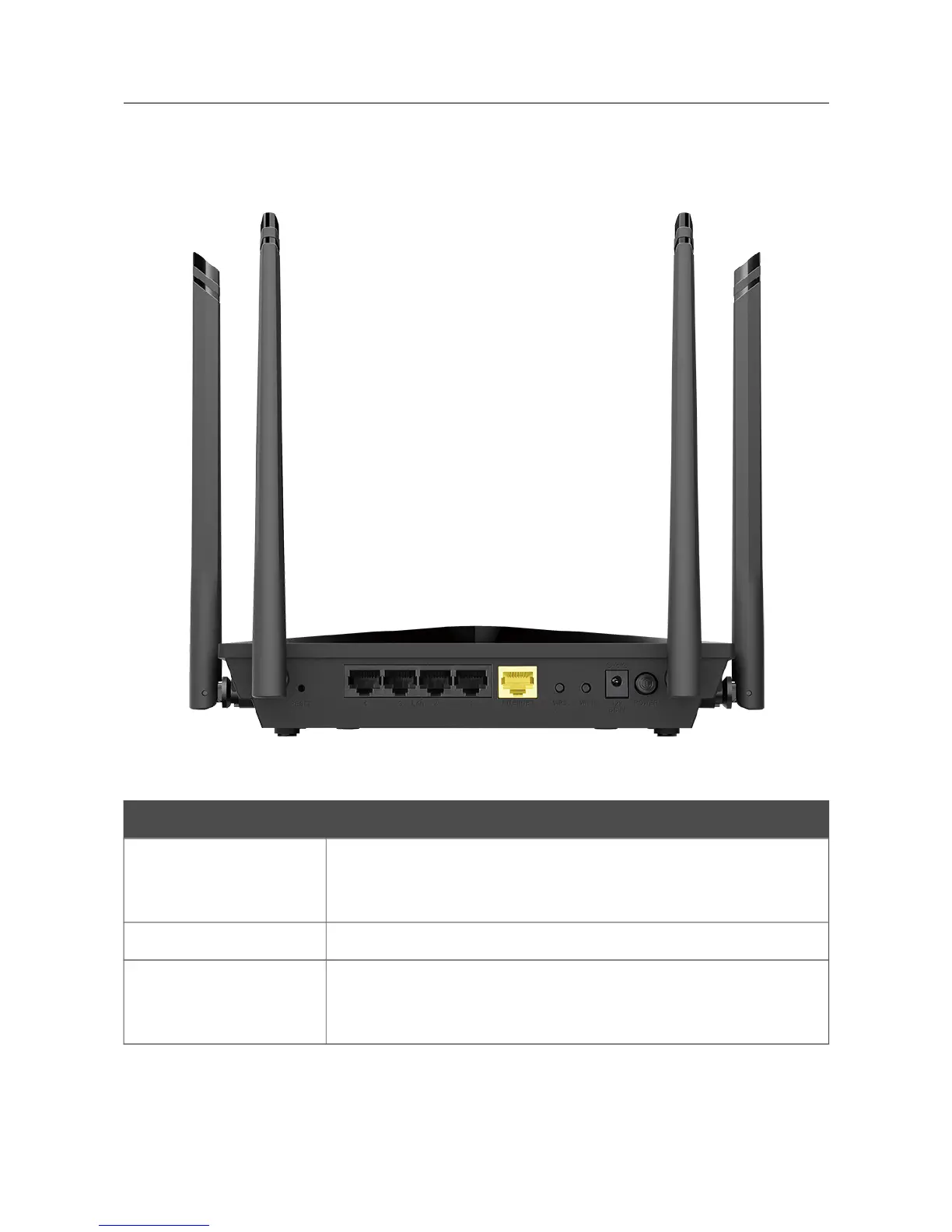
Figure 2. Back panel view.
Port Description
RESET
A button to restore the factory defaults.
To restore the factory defaults, push the button (with the device turned
on), hold it for 10 seconds, and then release the button.
LAN 1-4 4 Ethernet ports to connect computers or network devices.
INTERNET
A port to connect to a cable or DSL modem or to a private Ethernet
line (it is recommended to use the cable included in the delivery
package).
Page 16 of 228



 To Next Page