22D-Link DIR-869 User Manual
Section 3 - Getting Started
QRS Mobile App
QRS Mobile app allows you to install and congure your router from your mobile device.
Note: The screenshots may be dierent depending on your mobile device’s OS version.
Step 1
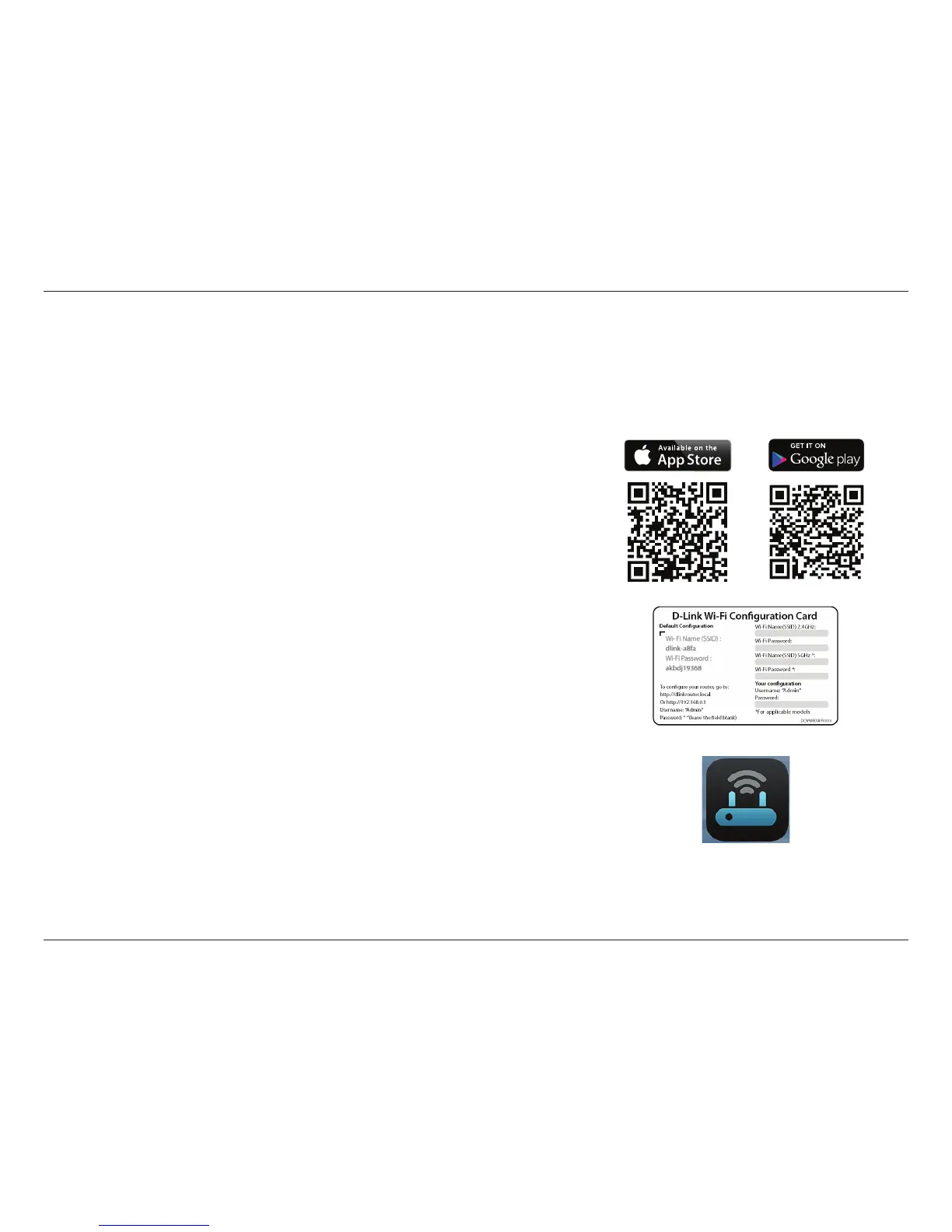
Search for the free QRS Mobile App on the iTunes Store or Google Play.
Step 2
Once your app is installed, you may now congure your router. Connect to
the router wirelessly by going to your wireless utility on your device. Scan for
the Wi-Fi name (SSID) as listed on the supplied info card. Select and then enter
your Wi-Fi password.
Step 3
Once you connect to the router, launch the QRS Mobile app from the Home
screen of your device.
Note: The following steps show the Android interface of the QRS Mobile app. If you
are using an iPhone, iPad, or iPod touch, the appearance may be dierent to that
of the screenshots, but the process is the same.



 To Next Page