95D-Link DIR-869 User Manual
Section 5 - Conguration - Extender Mode - Access Point
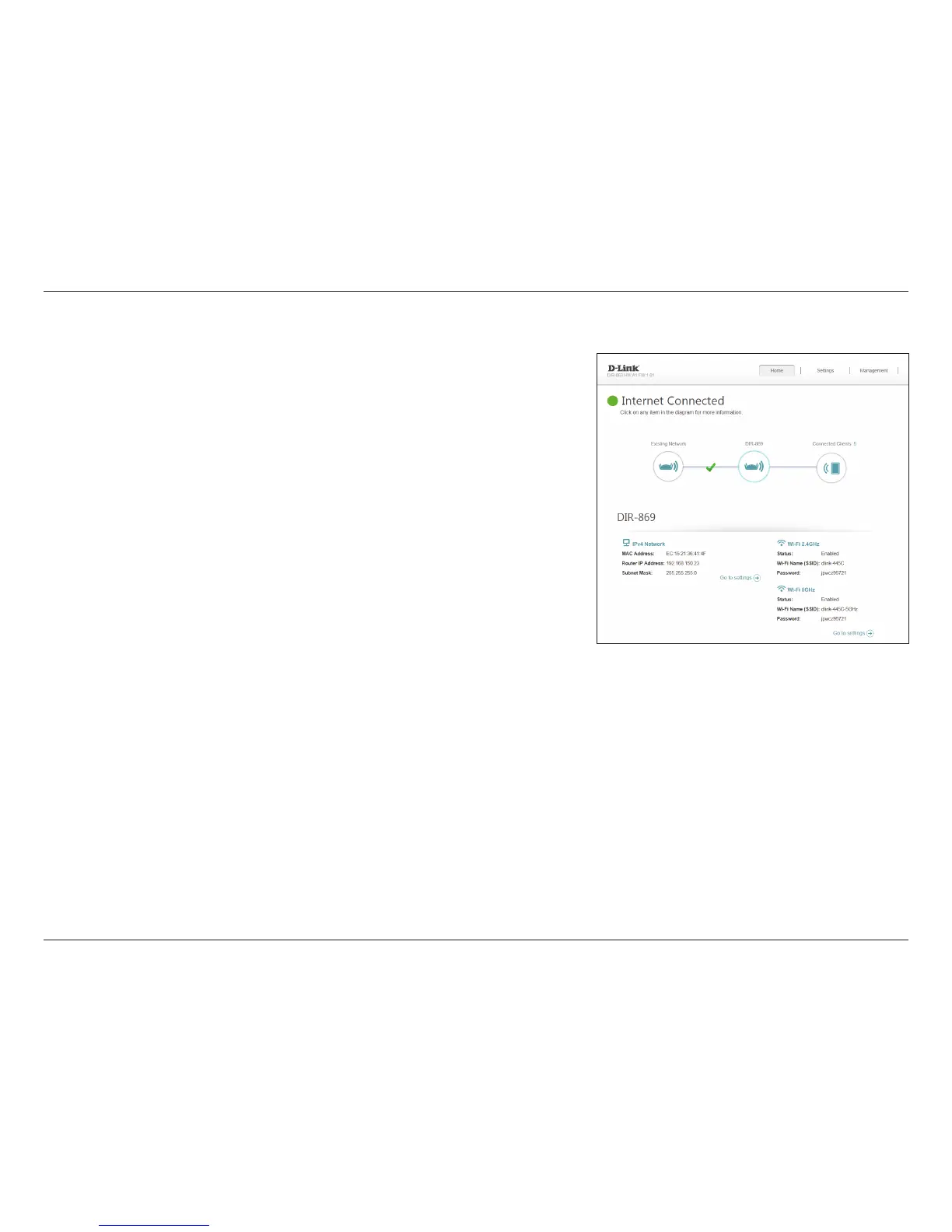
To bring up more details about the connection to your existing network,
click on the DIR-869 icon. Your Network and Wireless Network settings are
displayed at the bottom of the page.
Your Extender's MAC address, IPv4 address, and subnet mask are displayed. To
recongure the Network settings, refer to page 93.
Your wireless network statuses, names, and passwords for both the 2.4 GHz
and 5 GHz networks are shown. To recongure the Wireless settings, refer to
page 91.
DIR-869



 To Next Page