Web Configuration
D-Link DSL-2640B User Manual 99
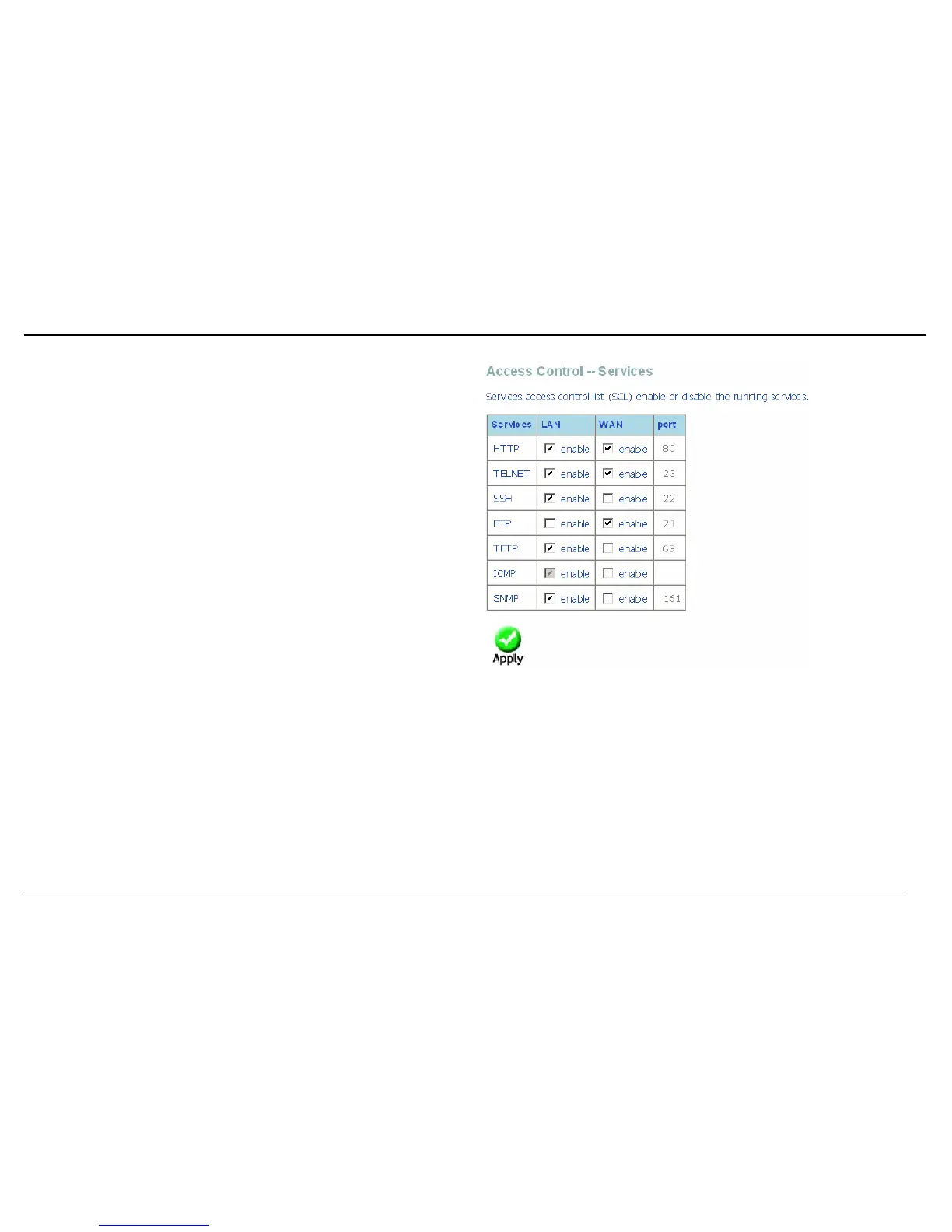
Access Control – Services
Click Services and the right page appears. In this page, you can enable or disable
the services. And the LAN side and WAN side can have different configurations.
Note: If the connection is PPPoE PVC, you can view the information of WAN side.















 To Next Page