Web Configuration
D-Link DSL-2640B User Manual
83
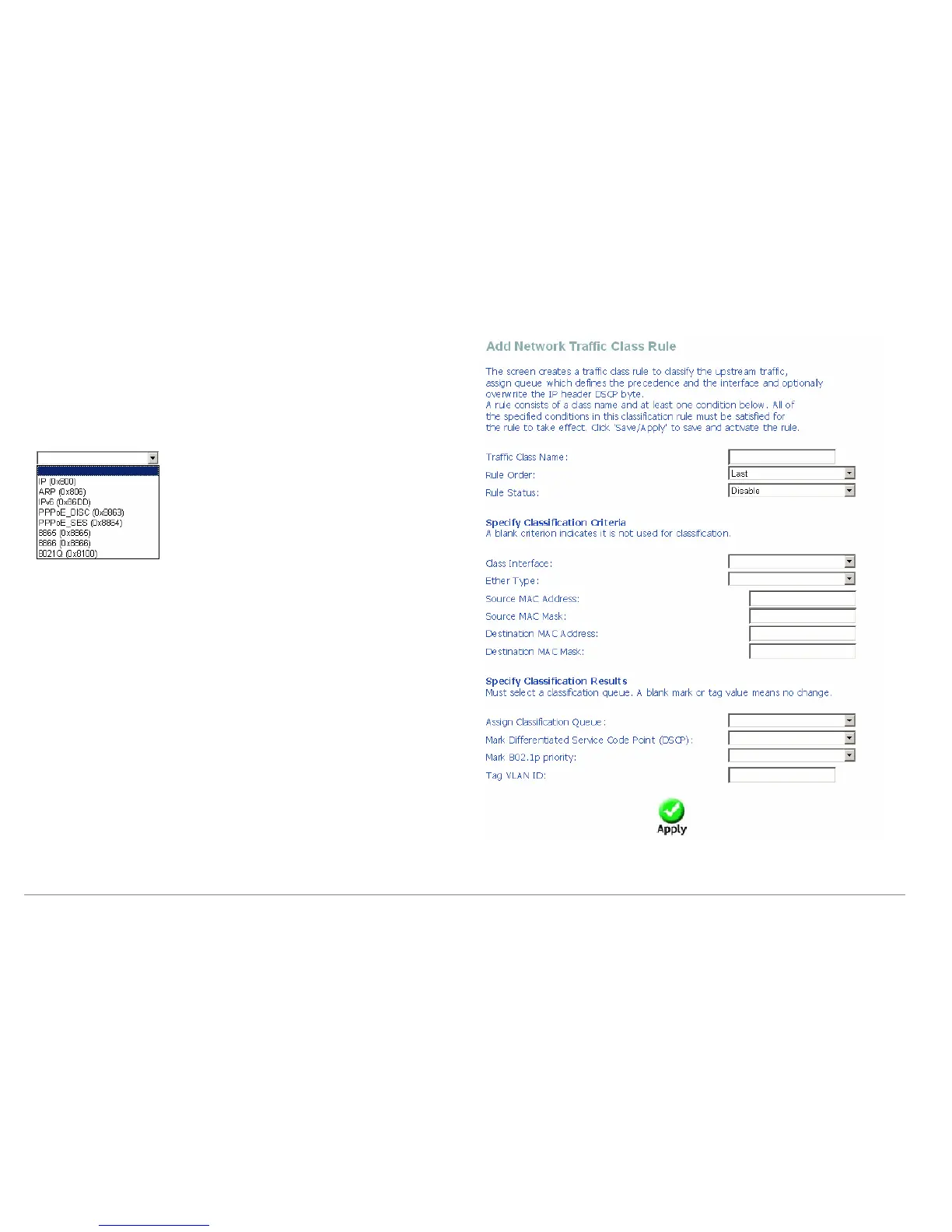
Click Add and the right page appears.
Traffic Class Name: Enter a name of the class.
Rule Order: Select order for queue.
Rule Status: Enable or disable this traffic class rule.
Assign Classification Queue: Select a classification queue.
Mark 802.1p priority: Select an 802.1p priority number (0~7) that serves as
the 802.1p value. Where level 7 is the highest one.
You can select the Enter Type from the drop-down list.















 To Next Page