DSL-2740U Wireless ADSL2+ Router with Ethernet WAN Support
User Manual
Configuring via Web-based Interface
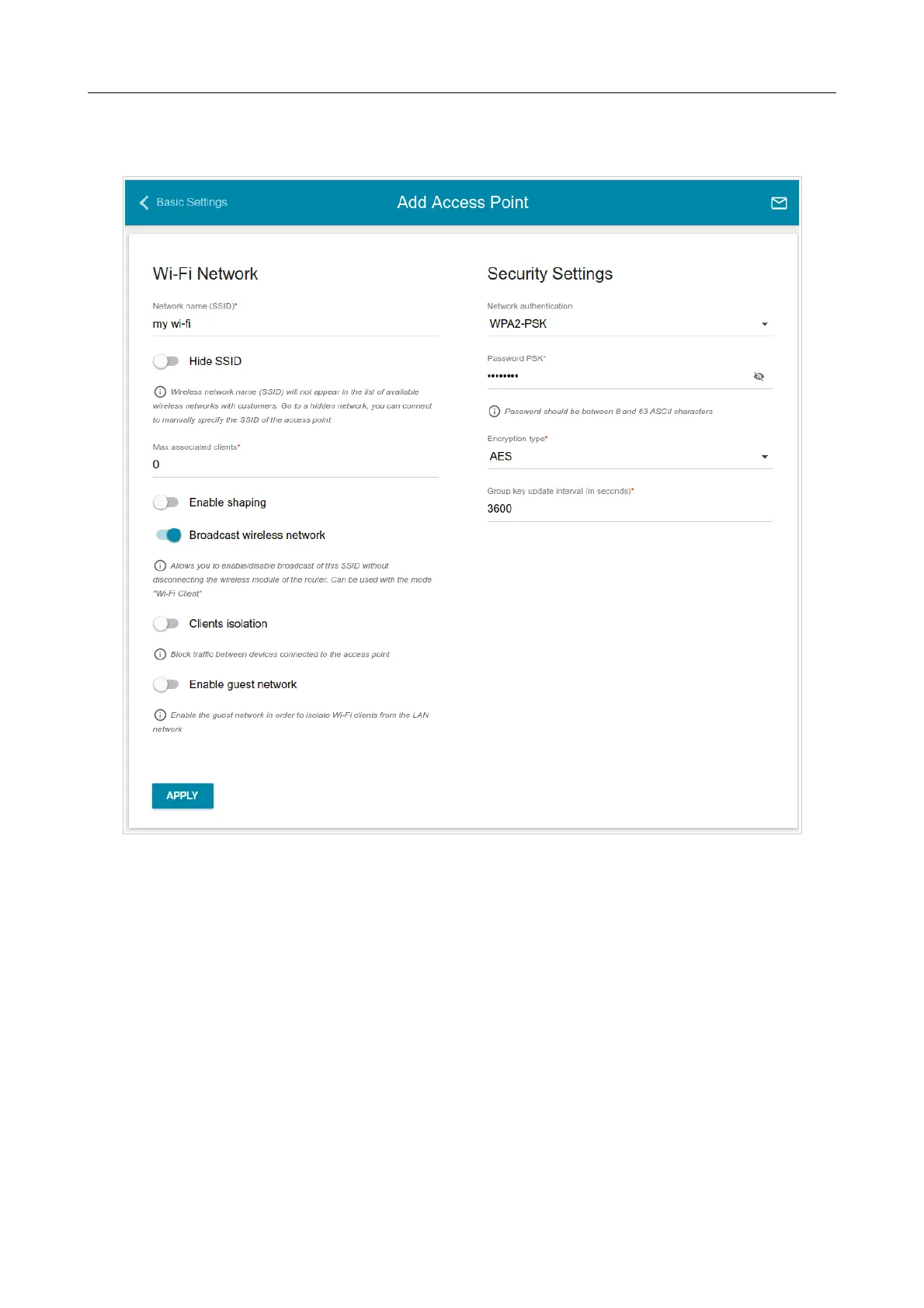
Also you can create an additional wireless network. To do this, click the ADD WI-FI NETWORK
button. On the opened page, specify the relevant parameters.
Figure 82. Creating a wireless network.
Page 104 of 174



 To Next Page
 Loading...












