DSL-2750U Wireless ADSL2+ Router with 3G/LTE/Ethernet WAN Support
and USB Port
User Manual
Configuring via Web-based Interface
DDNS
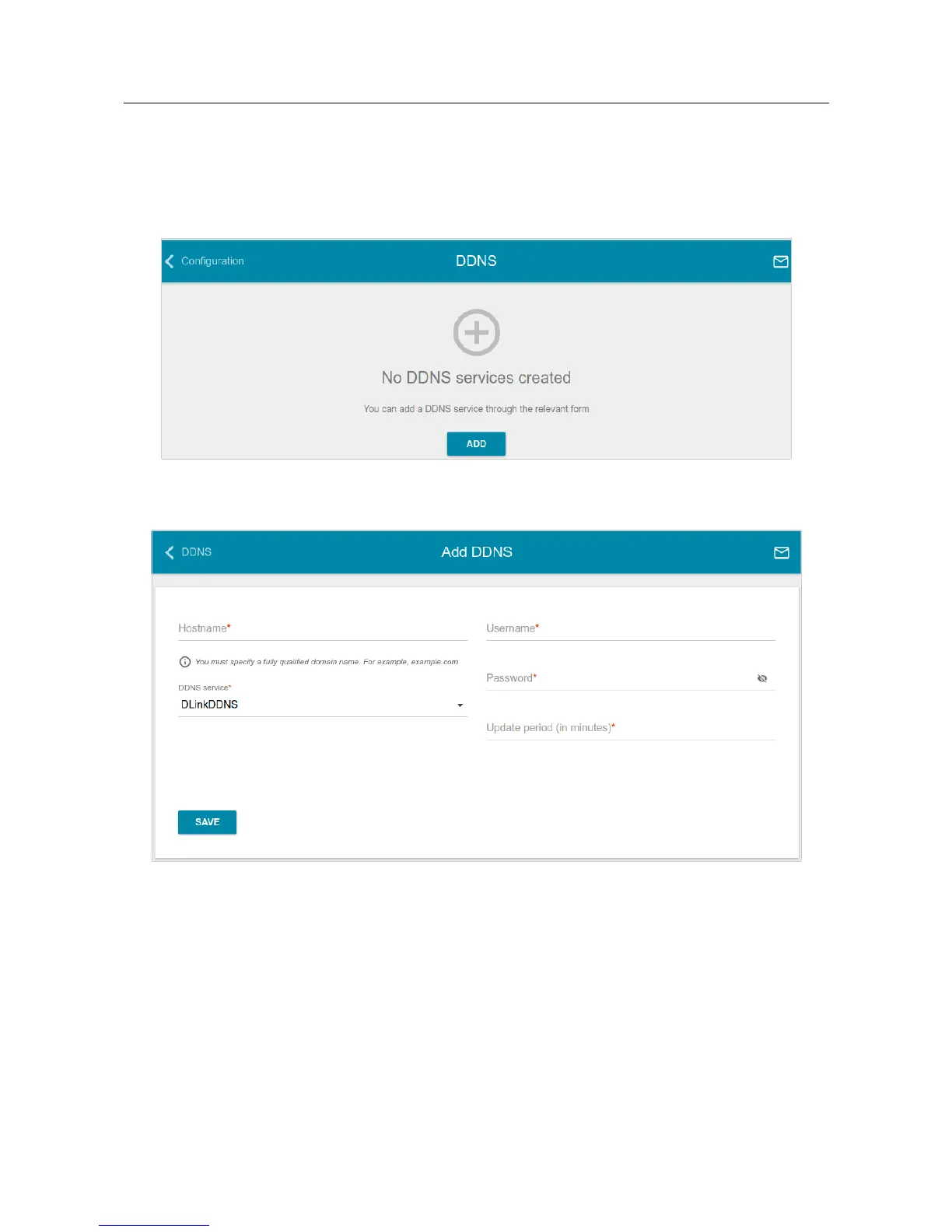
On the Advanced / DDNS page, you can define parameters of the DDNS service, which allows
associating a domain name with dynamic IP addresses.
Figure 128. The Advanced / DDNS page.
To add a new DDNS service, click the ADD button.
Figure 129. The window for adding a DDNS service.
Page 162 of 210



 To Next Page
 Loading...













