DSL-2750U Wireless ADSL2+ Router with 3G/LTE/Ethernet WAN Support
and USB Port
User Manual
Configuring via Web-based Interface
Firewall
In this menu you can configure the firewall of the router:
• add rules for IP filtering
• create virtual servers
• define a DMZ
• configure the MAC filter
• specify restrictions on access to certain web sites.
IP Filter
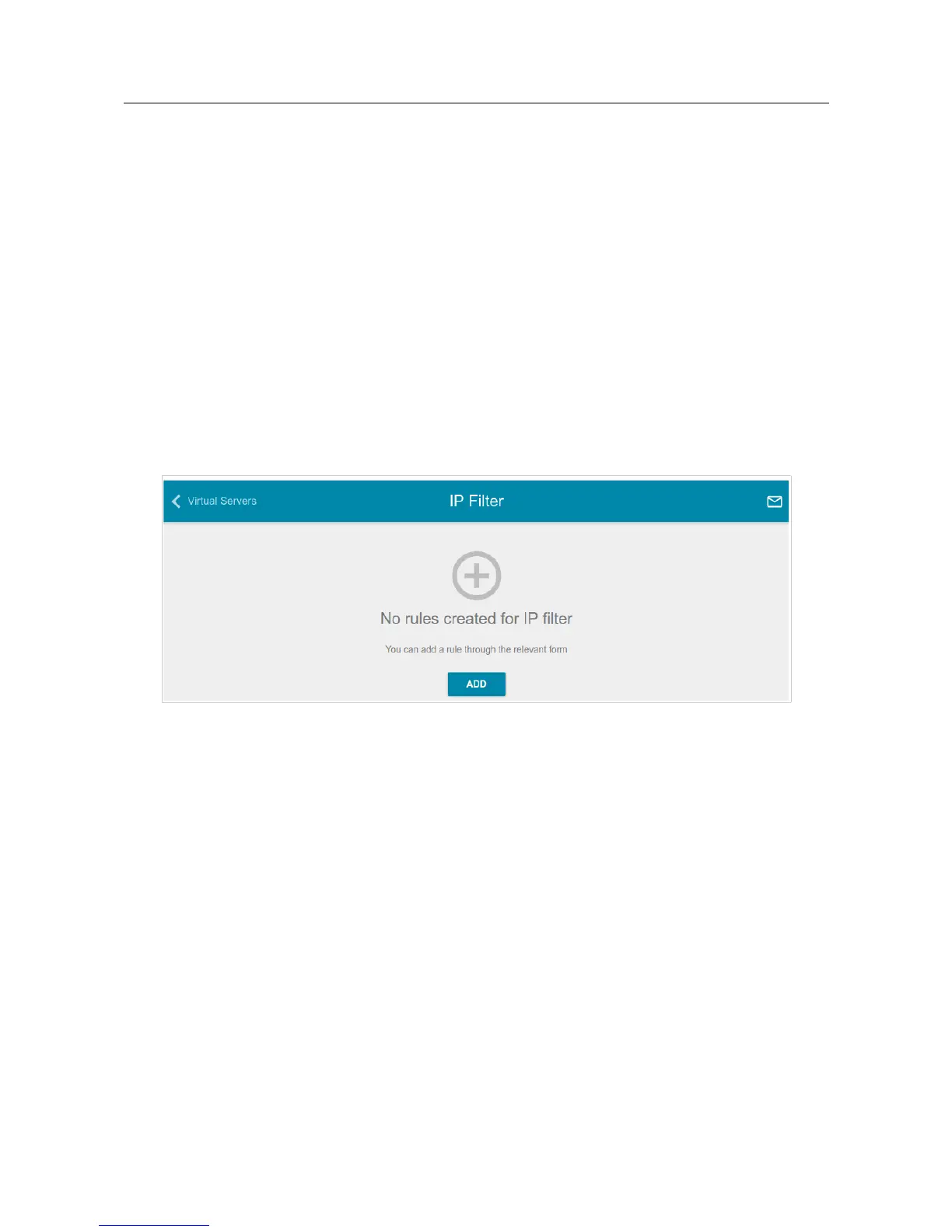
On the Firewall / IP Filter page, you can create new rules for filtering IP packets and edit or
remove existing rules.
Figure 139. The Firewall / IP Filter page.
To create a new rule, click the ADD button.
Page 175 of 210



 To Next Page
 Loading...













