63D-Link DSL-2878 User Manual
Section 4 - Conguration
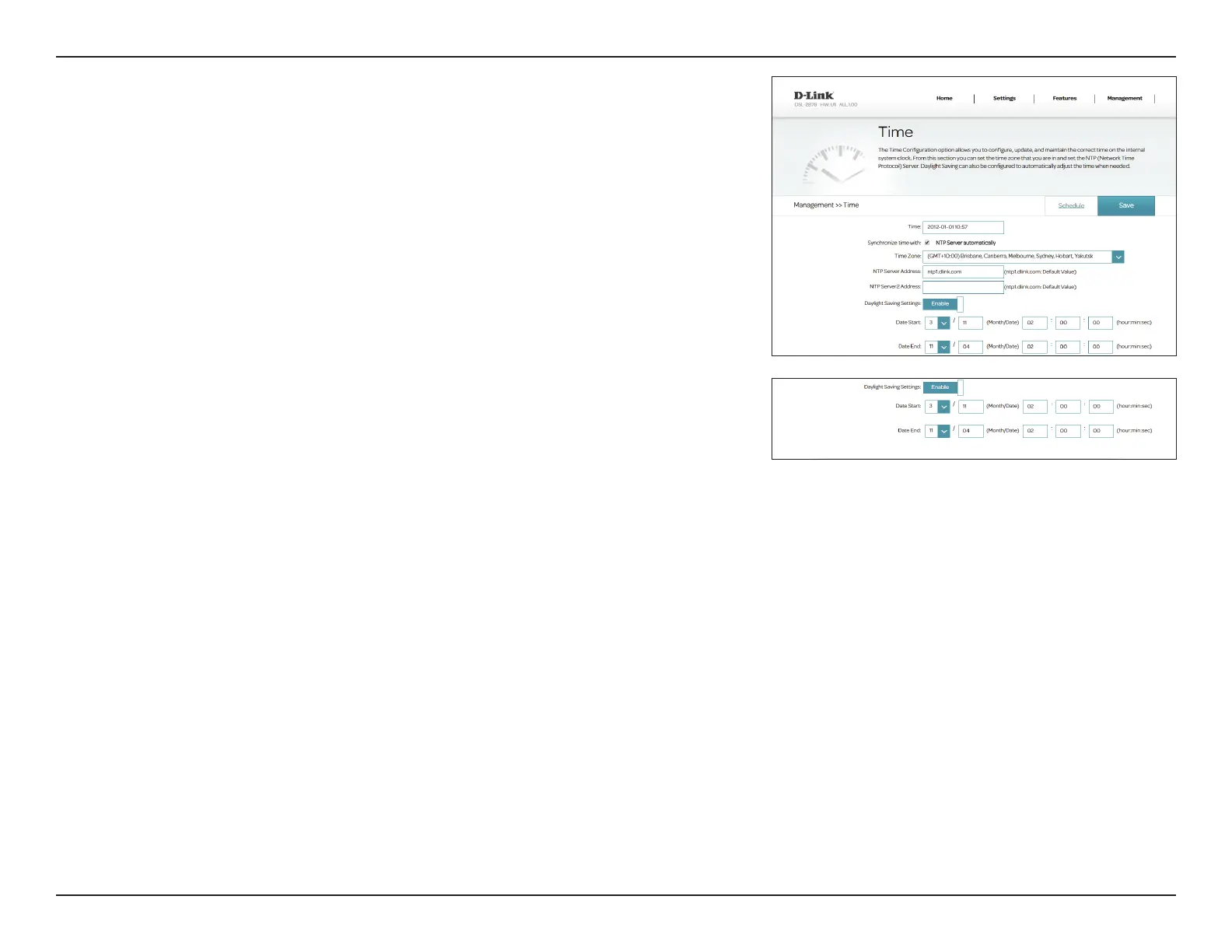
If you enabled Daylight Saving, the following options are available:
Date Start: Enter the date and time during which daylight saving starts in your
region.
Date End: Enter the date and time during which daylight saving starts in your
region.
Click Save when you are done. To congure and manage the schedule, click
Schedule and refer to Schedule on page 64.



 To Next Page