102 Chapter 6 System Administration
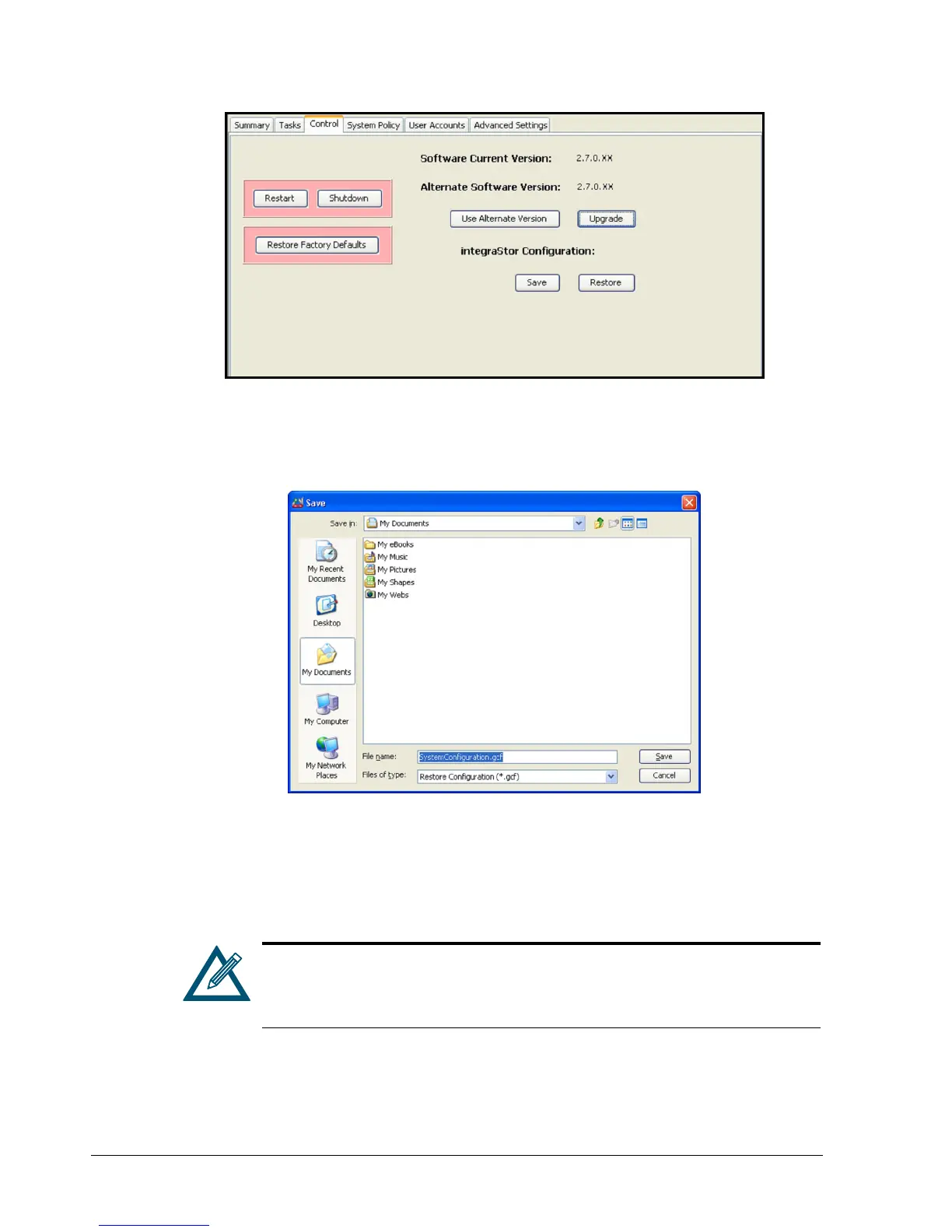
Figure 6-9. Control Tab
2. Under XStack Storage Configuration, click the Save button.
The Save dialog box appears (see Figure 6-10).
Figure 6-10. Save Configuration Dialog Box
3. Using the Save Configuration dialog box, go to the location where you want to store the
configuration file.
4. In the File Name field, enter a name for the configuration file. The extension .gcf is
appended to the end of the file name automatically.
When naming the configuration file, assign a name that will make it easy to
differentiate this file from other configuration files. For example, you can
use the current date and time or a particular configuration as part of the file
name.
5. Click the Open button.
The configuration file is saved.



 To Next Page