xStack Storage Management Center Software User’s Guide 93
The Open dialog box appears (see Figure 6-10).
4. Using the Open dialog box, navigate to the location where you downloaded the software
file. Then click the file and click the Open button.
The precautionary message in Figure 6-14 appears.
Figure 6-14. Precautionary Message
5. Click OK to upgrade the software and reboot the xStack Storage, or click Cancel to keep
the current configuration and not reboot the xStack Storage. If you click OK, a progress
bar shows the progress of the upload. IMPORTANT: Do not close the xStack Storage
Management Center until after the upload has successfully completed.
You can click the Use Alternate Version button to revert to the previous
version of software (if any).
6.2.9 Restarting the xStack Storage (Control Tab)
The Control tab provides a Restart button for rebooting the xStack Storage.
To reboot the xStack Storage:
1. In the System Administration View, click the Control tab.
2. Click the Restart button.
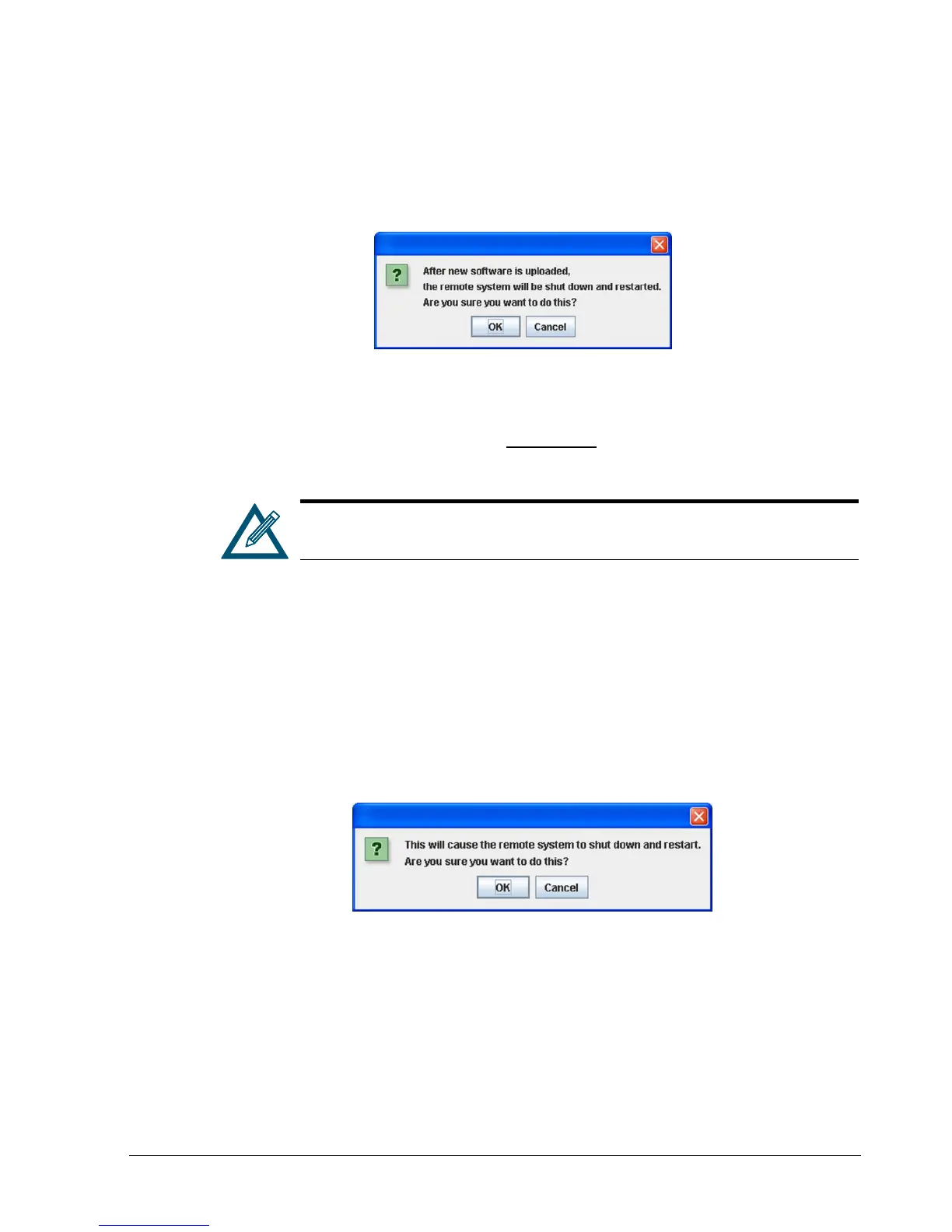
The precautionary message in Figure 6-15 appears.
Figure 6-15. Precautionary Message
3. Click OK to reboot the xStack Storage or click Cancel to not reboot the xStack Storage.
6.2.10 Shutting Down the xStack Storage (Control Tab)
The Control tab provides a Shutdown button for shutting down the xStack Storage.
To shut down the xStack Storage:
1. In the System Administration View, click the Control tab.



 To Next Page