18 Chapter 3 Getting Started
3.1 Connecting and Logging In
After confirming that the minimum system requirements in section 2.2 have been met, use the
following procedure to connect and log in to the xStack Storage Management Center.
1. Start a Web browser on the PC connected to the xStack Storage management port.
2. In the browser’s address bar, type the following default IP address: https://192.168.1.1
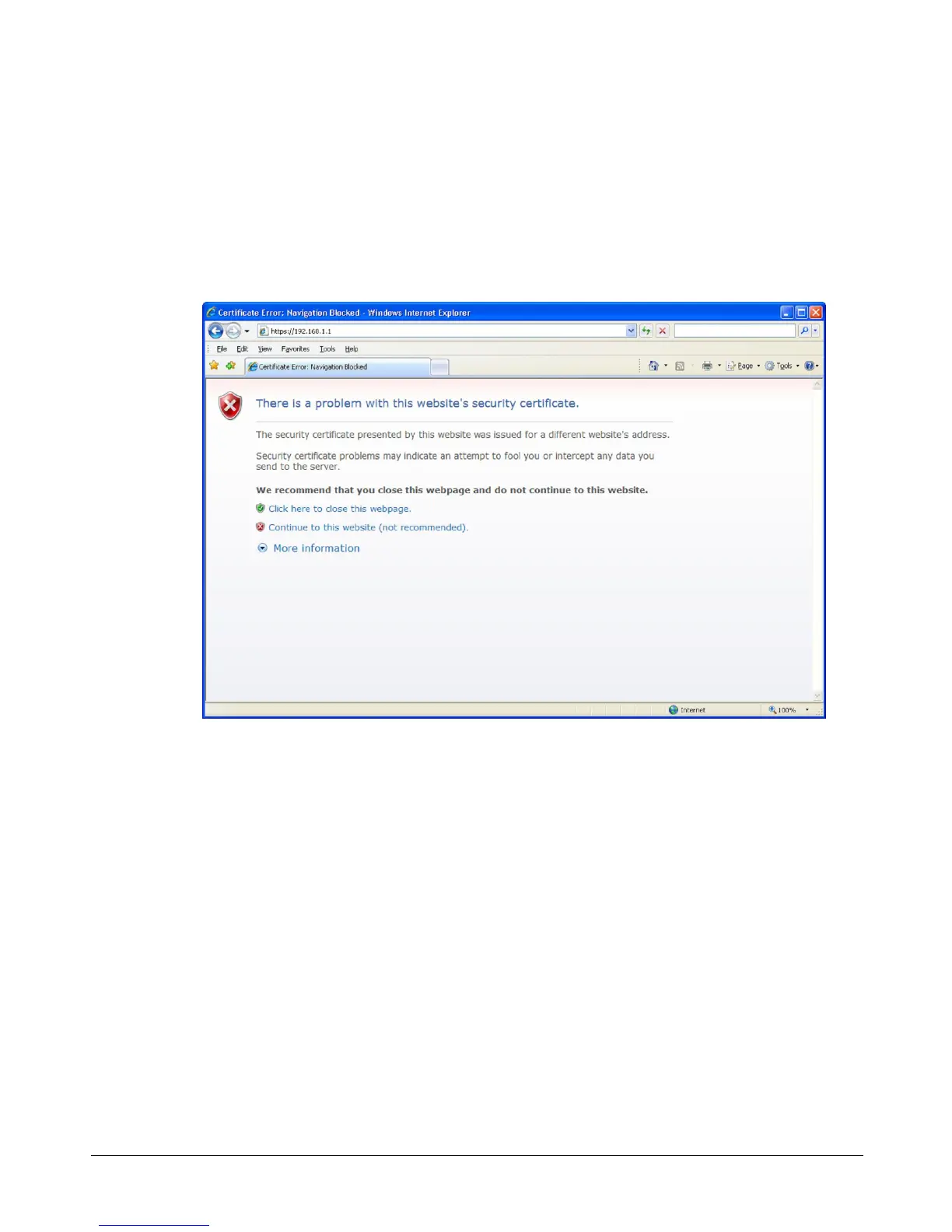
and press Enter. If you receive a browser certificate warning prompt as shown in Figure 3-1,
select the “Continue to this website” option to proceed.
Figure 3-1. Certificate Warning
3. One of the following actions occurs:
– For your initial login, the Start-up Wizard appears and you should proceed to
section 3.1.1.
– For all subsequent logins, the home page appears and you should proceed to section 3.1.2.
3.1.1 Using the Start-up Wizard
The xStack Storage Management Center provides a straightforward, easy-to-use Start-up Wizard
for the initial configuration and setup of your storage environment. The Start-up Wizard
incorporates a series of intuitive point-and-click pages that start automatically, guiding
administrators through the first-time setup.
The Start-up Wizard greets you with the Welcome page in Figure 3-2.



 To Next Page