54 Chapter 4 Managing Volumes
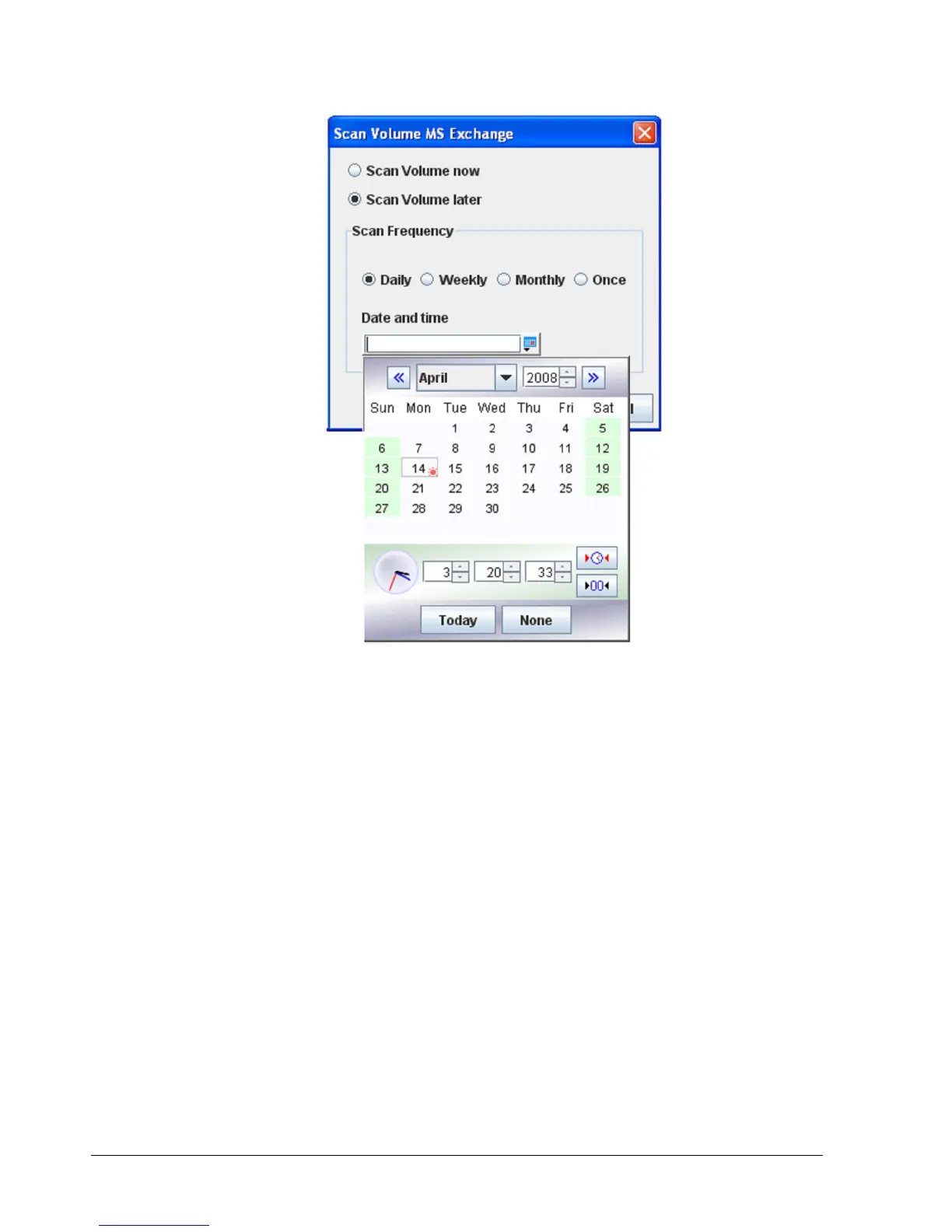
Figure 4-23, Pop-up Calendar
4.3.3 Destroying a Volume
If you no longer need a volume, you can remove or “destroy” it. Destroying a volume does
not “sanitize” data on the drive(s).
To destroy a volume:
1. In the Volume View, click a volume in the Main Display.
2. Perform one of the following steps:
– On the Volumes menu, click Destroy Volume.
– Click Destroy Volume in the Volume Actions panel.
– Press the right mouse button and click Destroy Volume from the shortcut menu.
Any of these steps display the message in Figure 4-24.



 To Next Page