xStack Storage Management Center Software User’s Guide 63
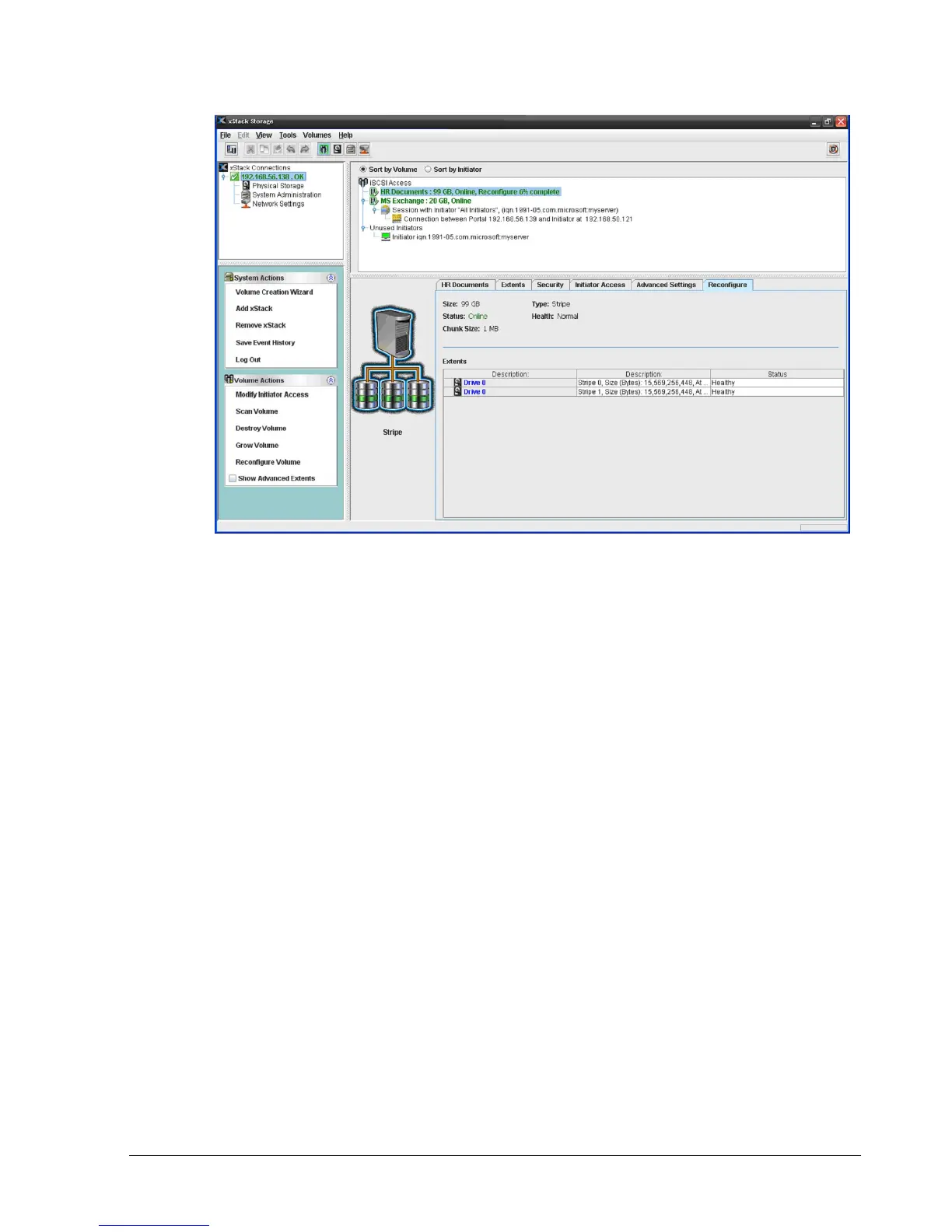
Figure 4-33. Reconfigure Tab
4.4.4 Enabling or Disabling CHAP Security for Volumes (Security Tab)
When you create a volume, you can enable CHAP. If you want to change this setting, you can
use the Security tab to enable or disable CHAP, or change the CHAP secret. Record your
settings in Table C-1.
4.4.4.1 Enabling CHAP Security
To enable CHAP security:
1. In the Volume View, click a volume in the Main Display.
2. Click the Security tab.
The options in Figure 4-34 appear.



 To Next Page