xStack Storage Management Center Software User’s Guide 113
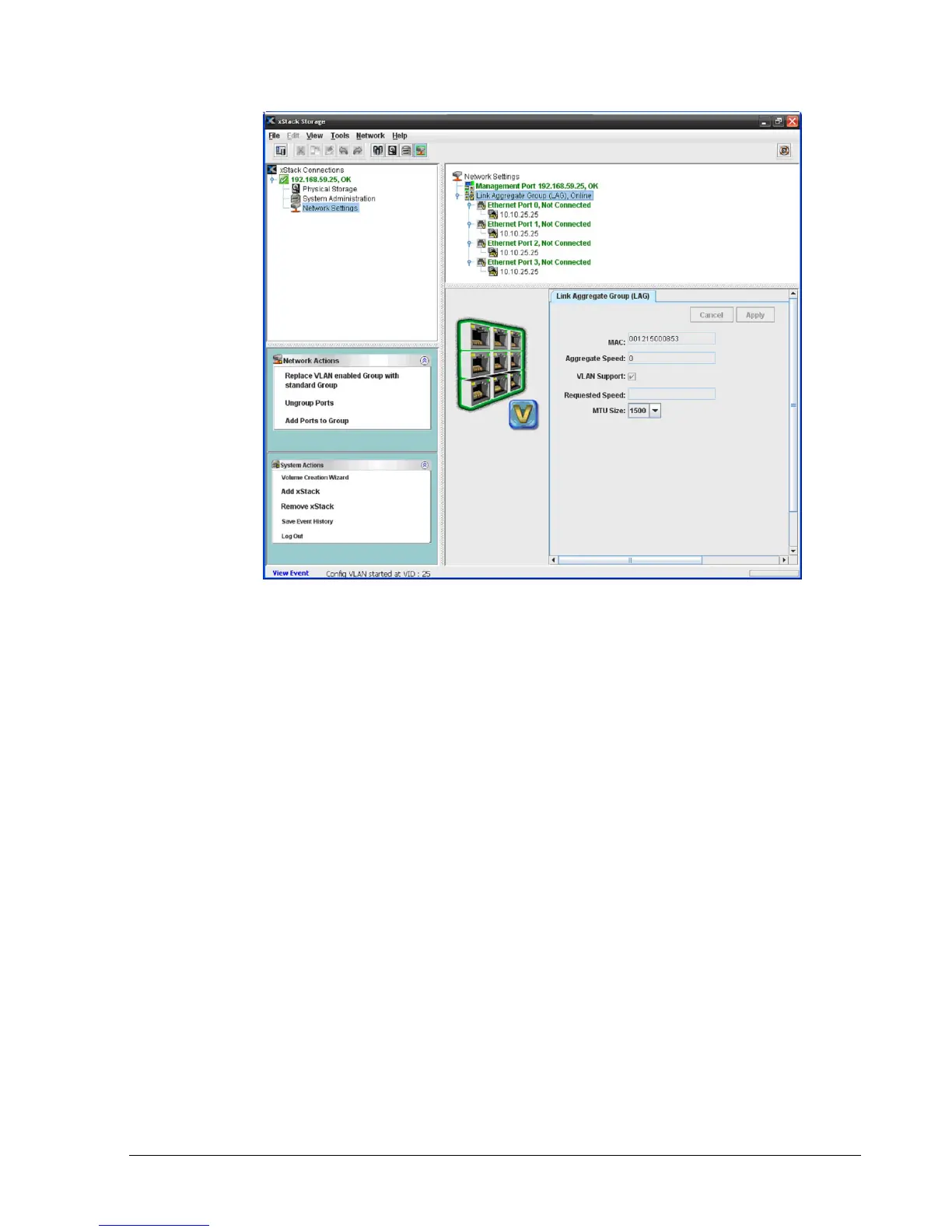
Figure 7-8. Link Aggregate Group (LAG)
7.5.1 Grouping Ports
The following procedure describes how to group ports. When you group ports, you have the
option of creating a VLAN-enabled group.
To group ports:
1. In the Network Settings View, click an Ethernet port in the Main Display.
2. Perform one of the following steps:
– On the Network menu, click Group Ports.
– Click Group Ports in the Network Actions panel.
– Press the right mouse button and click Group Ports from the shortcut menu.
Any of these steps Displays the Group Ports dialog box (see Figure 7-9).



 To Next Page