106 Chapter 3 Managing Volumes
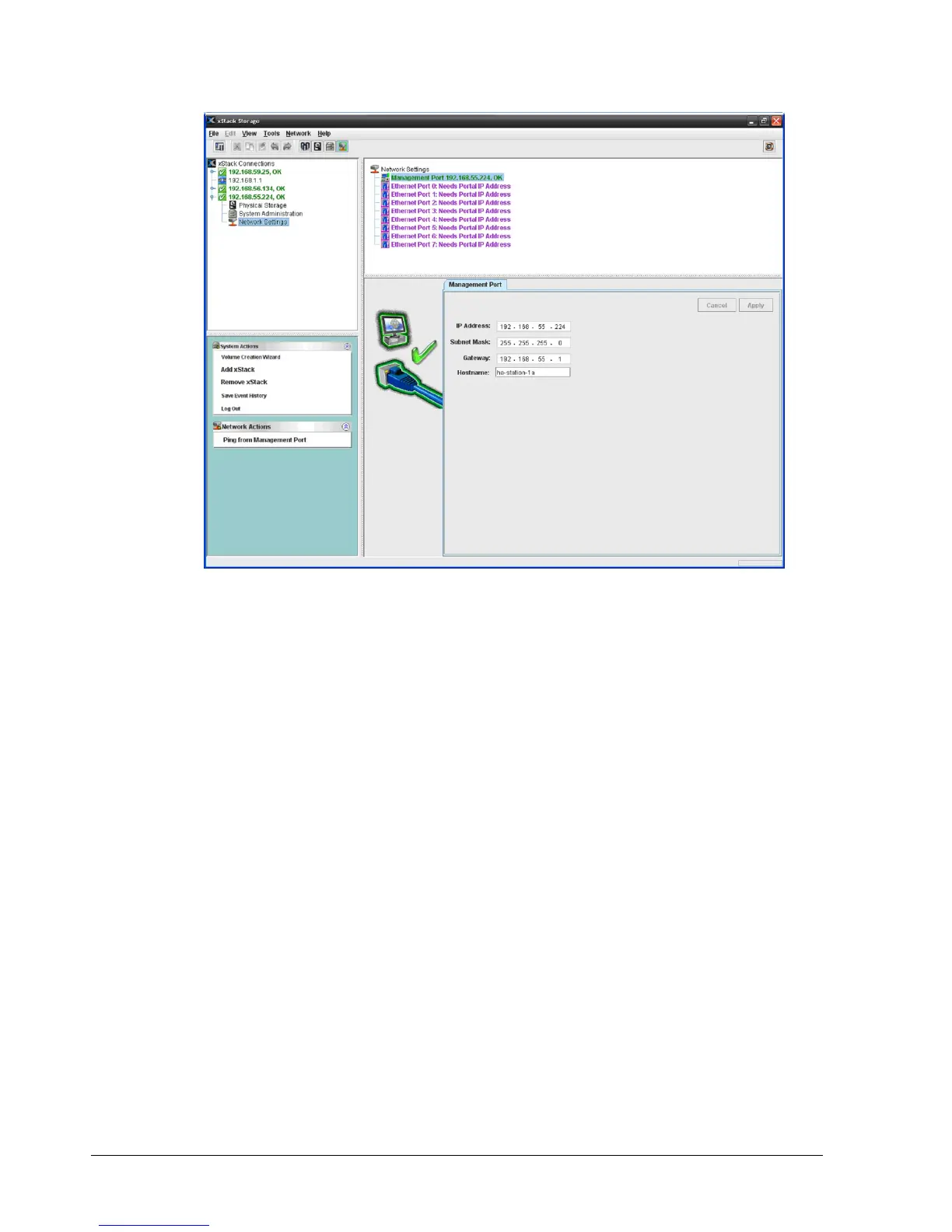
Figure 7-2. Management Port Tab
2. To change a setting, click in the appropriate field and change the value shown.
3. When you finish changing all the settings in the tab, click the Apply button.
4. If you changed any settings, restart the xStack Storage to have the new settings take
effect.
7.2.2 Pinging from a Management Port
If you encounter or suspect a problem with the management port, you can originate an
outgoing ping from the management port to the management host.
To ping from the management port:
1. In the Network Settings View, click the management port in the Main Display.
2. Perform one of the following steps:
– On the Network menu, click Ping from Management Port.
– In the Network Actions panel, click Ping from Management Port.
– Press the right mouse button and click Ping from Management Port from the
shortcut menu.
Any of these steps displays the Ping from Management Port dialog box (see Figure 7-3).



 To Next Page