60 Chapter 4 Managing Volumes
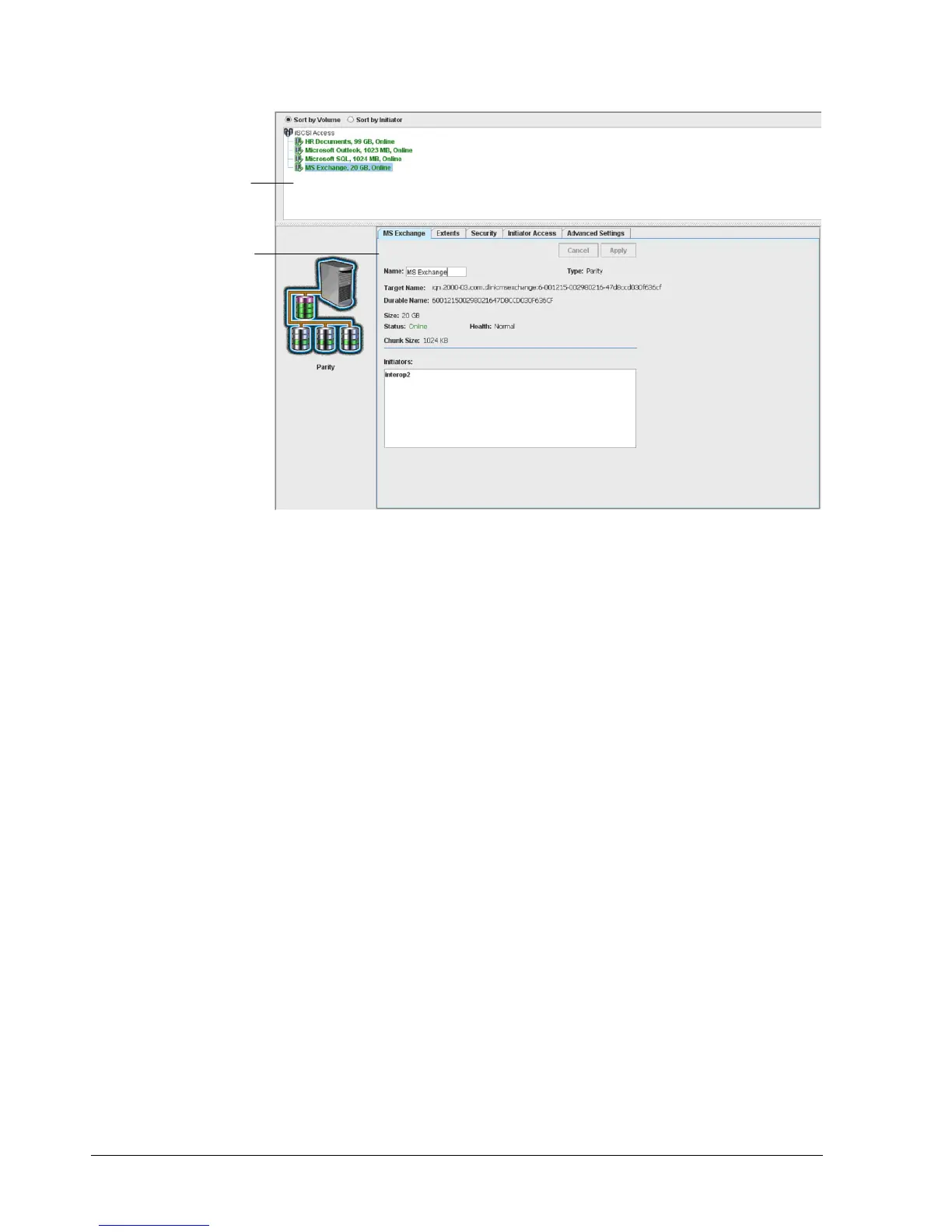
Figure 4-30. Information about a Selected Volume Shown in the First Tab
4.4.2 Viewing Extents on a Volume (Extents Tab)
An extent (also known as a “physical extent”) is a contiguous set of logical blocks (LBs) on a
drive. A volume typically consists of extents from several drives.
When a volume is selected in the Main Display, you can use the Extents tab to view
information about the extents on the selected volume. Initially, the Extents tab shows basic
extent information, as shown in Figure 4-31. This read-only screen provides drive links below
the first Description column that, when clicked, display the selected drive in the Extents
tab of the Physical Storage View (see section 4.4.2).
Information about this
selected volume…
…is displayed in this tab



 To Next Page