xStack Storage Management Center Software User’s Guide 19
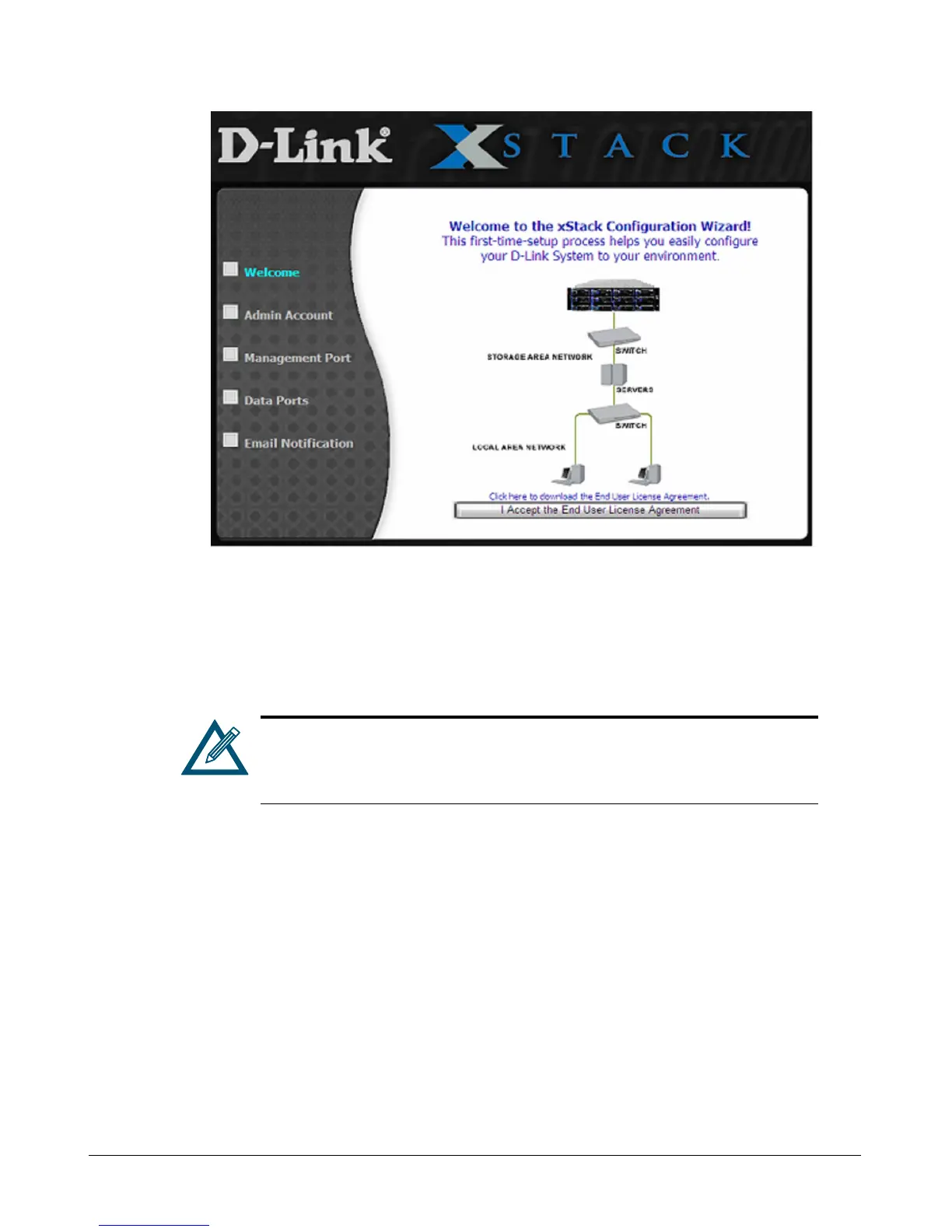
Figure 3-2. Welcome Page
From the Welcome page, perform the following steps to set up the xStack Storage system for
initial use.
1. Click the I Accept the End User License Agreement button on the Welcome screen. The
Admin Account page in Figure 3-3 appears.
You must accept the End User License Agreement to proceed with the Start-
up Wizard. To download the End User License Agreement to your computer,
click Click here to download the End User License Agreement on the
Welcome screen.



 To Next Page