20 Chapter 3 Getting Started
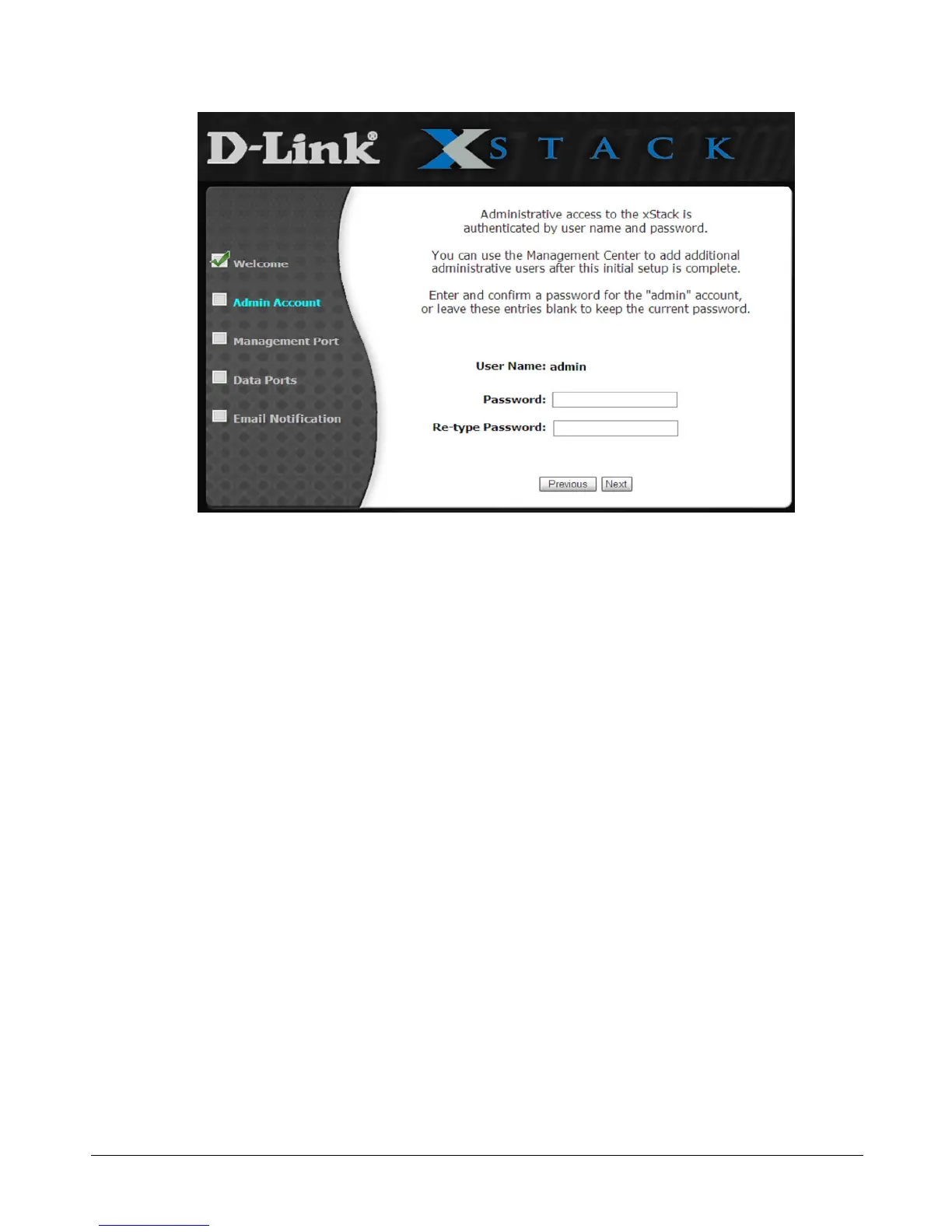
Figure 3-3. Admin Account Page
2. The Admin Account page allows you to set the password for the administrator account.
(Additional administrative accounts can be set up after completing the initial Start-up
Wizard.) If you want to change the default password, type a case-sensitive password in the
Password field and then retype the same password in the Re-type Password field. For
security, each typed password character appears as a bullet (). Record the admin password in
Table C-6.
3. Click Next to continue. The Management Port page appears (see Figure 3-4).



 To Next Page