xStack Storage Management Center Software User’s Guide 133
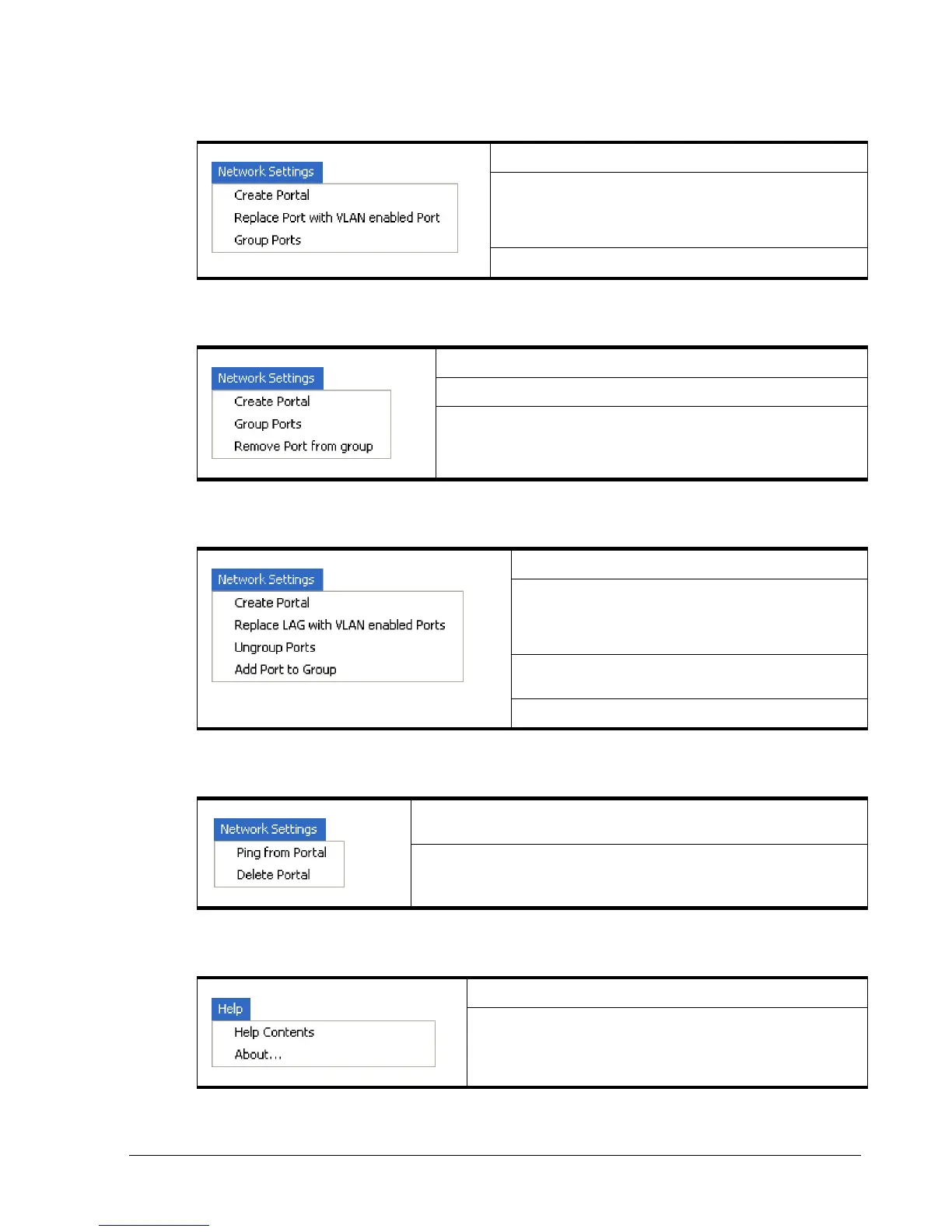
A.7 Network Settings Menu (Ethernet Port Selected)
Create Portal – creates a portal (see section 7.4.1).
Replace Port with VLAN enabled Port – removes a port from an
Ethernet group (see section 7.6.1). If the port is VLAN-enabled, this
option changes to Replace VLAN enabled Port with standard Port
(see section 7.6.2).
Group Ports - groups individual ports (see section 7.5.1).
A.8 Network Settings Menu (Group Ethernet Port Selected)
Create Portal – creates portals (see section 7.4.1).
Group Ports – add individual ports to the group (see section 7.5.1).
Remove Port from group – removes a port from a LAG (see section 7.5.3).
A.9 Network Settings Menu (Group Selected)
Create Portal – creates portals (see section 7.4.1).
Replace Group with VLAN enabled Group – replaces a group
with a VLAN-enabled group (see section 7.6.3). If the group is
VLAN-enabled, this option changes to Replace VLAN enabled
Group with standard Group (see section 7.6.4).
Ungroup Ports – ungroups ports in a group and returns them to
being individual ports (see section 7.5.2).
Add Ports to Group – adds ports to a group (see section 7.5.1).
A.10 Network Settings Menu (Portal Selected)
Ping from Portal – issues an outbound ping from the network portal to a target (see
section Error! Reference source not found.).
Delete Portal – removes the portal from the network port (see section Error!
Reference source not found.).
A.11 Help Menu
Help Contents – shows the online help table of content.
About – shows the version of the xStack Storage Management Center
software.



 To Next Page