xStack Storage Management Center Software User’s Guide 23
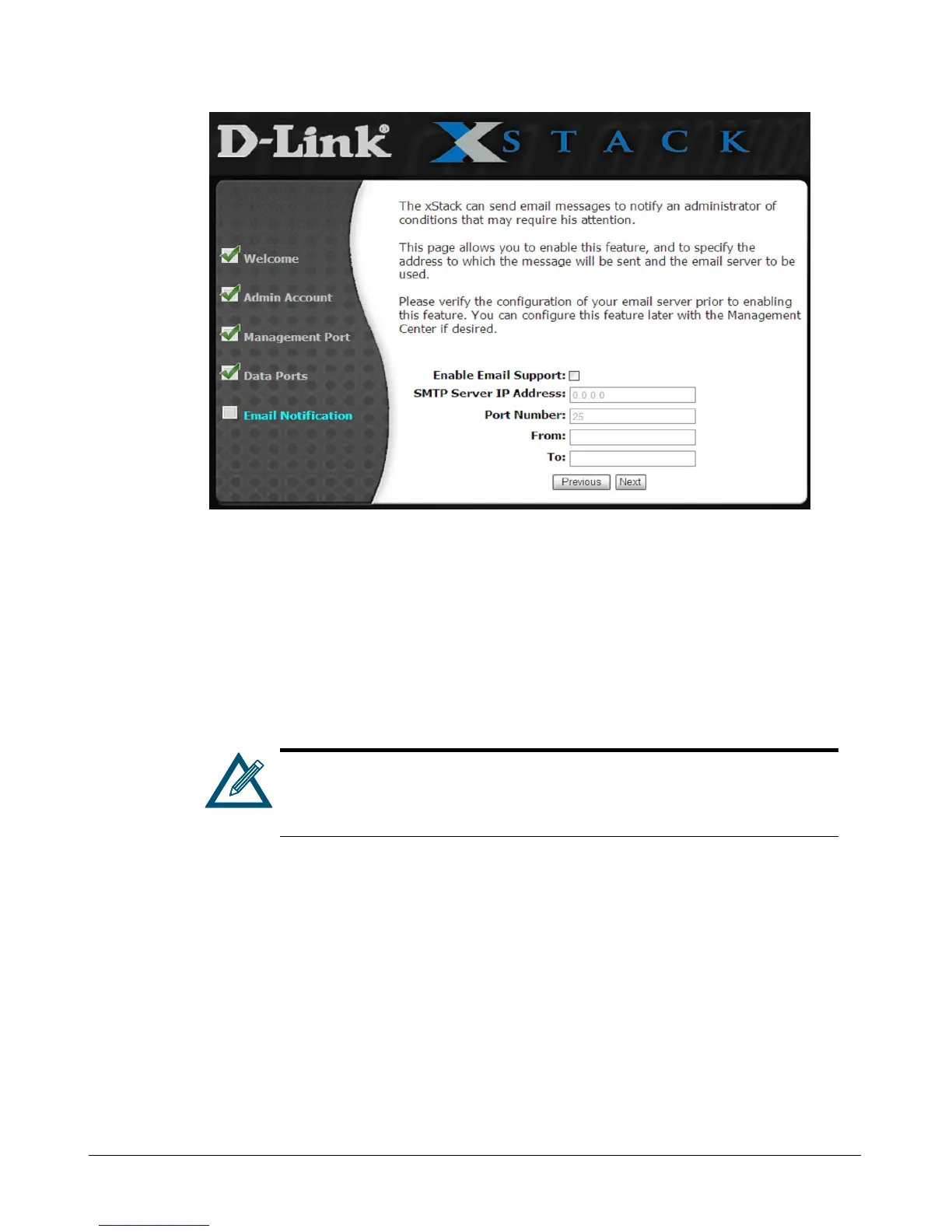
Figure 3-6. Email Notification Page
7. The Email Notification page lets you enable the storage system’s email notification feature. If
you check Enable Email Support to enable this feature, specify the SMTP server IP address
and port number, an email address to be shown as originating the email, and an email address
where email messages are to be sent. Enter the required settings and record them in Table C-
10. Entering this information at this time is optional; you can enable Email Notification at a
later time using the Advanced Settings tab in the System Administration View (refer to section
6.2.13).
If you wish to have multiple recipients for the e-mail notifications, you must
create an alias e-mail address on your e-mail server as a distribution list,
and then specify that alias e-mail address in this page.
8. Click Next. A summary screen similar to the one in Figure 3-7 appears.



 To Next Page