xStack Storage Management Center Software User’s Guide 25
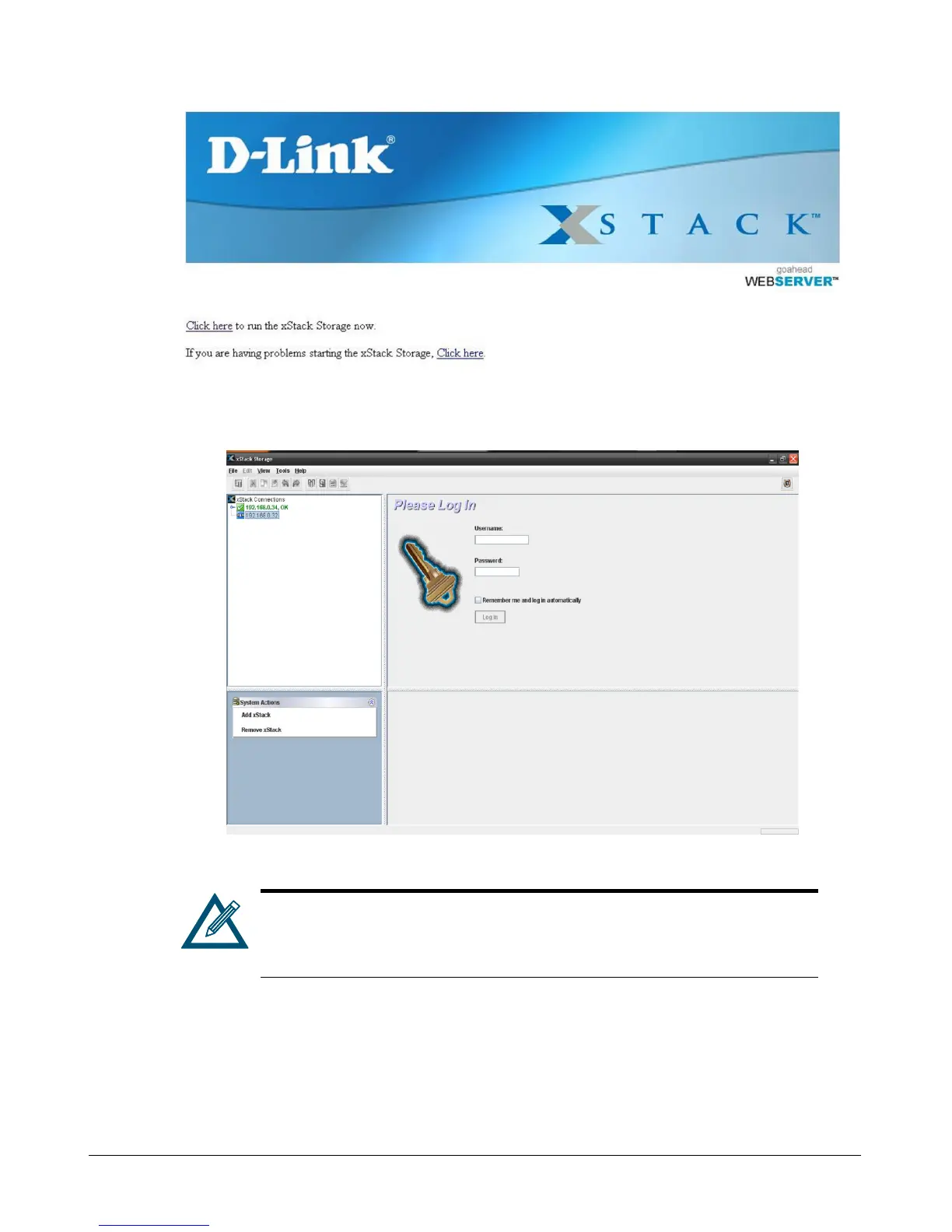
Figure 3-8. xStack Storage Management Center Home Page
Figure 3-9. xStack Storage Management Center Login Screen
The xStack Storage Management Center requires the latest version of Java
Runtime Environment (JRE). If the latest version of JRE is not installed on
the management PC, xStack Storage will let you download it if the PC has
Internet access. The minimum version of JRE is v1.6.0.0.
1. In the View panel, click the xStack Storage you want to log in to if it is not already selected.
2. Enter your username and case-sensitive password in the appropriate text boxes. The first time
you log in, use the following default username and case-sensitive password:
Default username: admin
Default password: admin



 To Next Page