xStack Storage Management Center Software User’s Guide 27
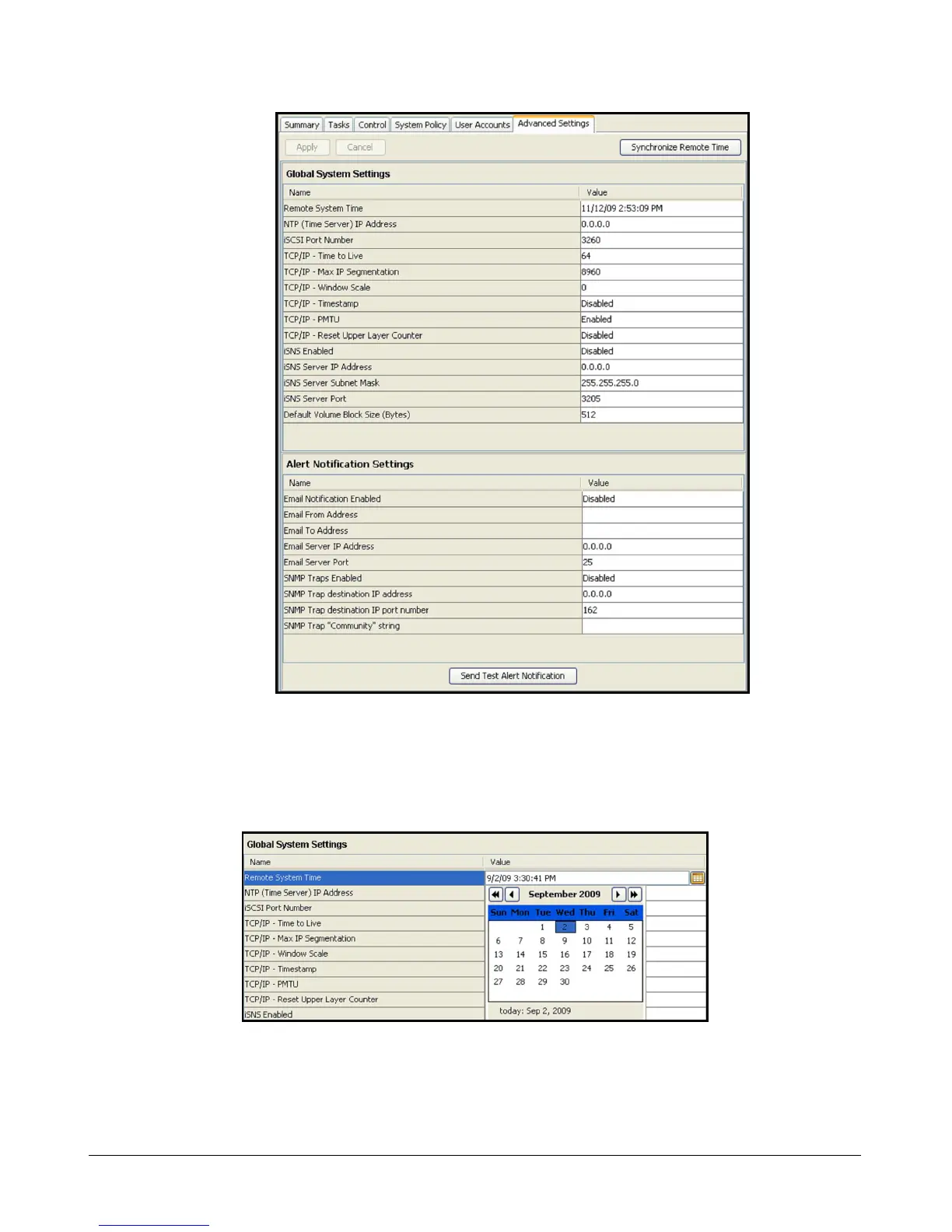
Figure 3-10. Advanced Settings Tab
3. Double-click on the current date and time value for the Remote System Time item, then type
the new date and/or time and press the Enter key. You can also click on the calendar button
at the far right of the date and time field to display a calendar pop-up to simplify the date
selection (an example is shown in Figure 3-11).
Figure 3-11. Calendar Pop-Up Dialog Box
4. Alternatively, you can double-click on the NTP (Time Server) IP Address item and enter an IP
address for a third-party NTP server, or you can click on the “Synchronize Remote Time”
button to get the date and time from your local computer system.



 To Next Page