38 Chapter 4 Managing Volumes
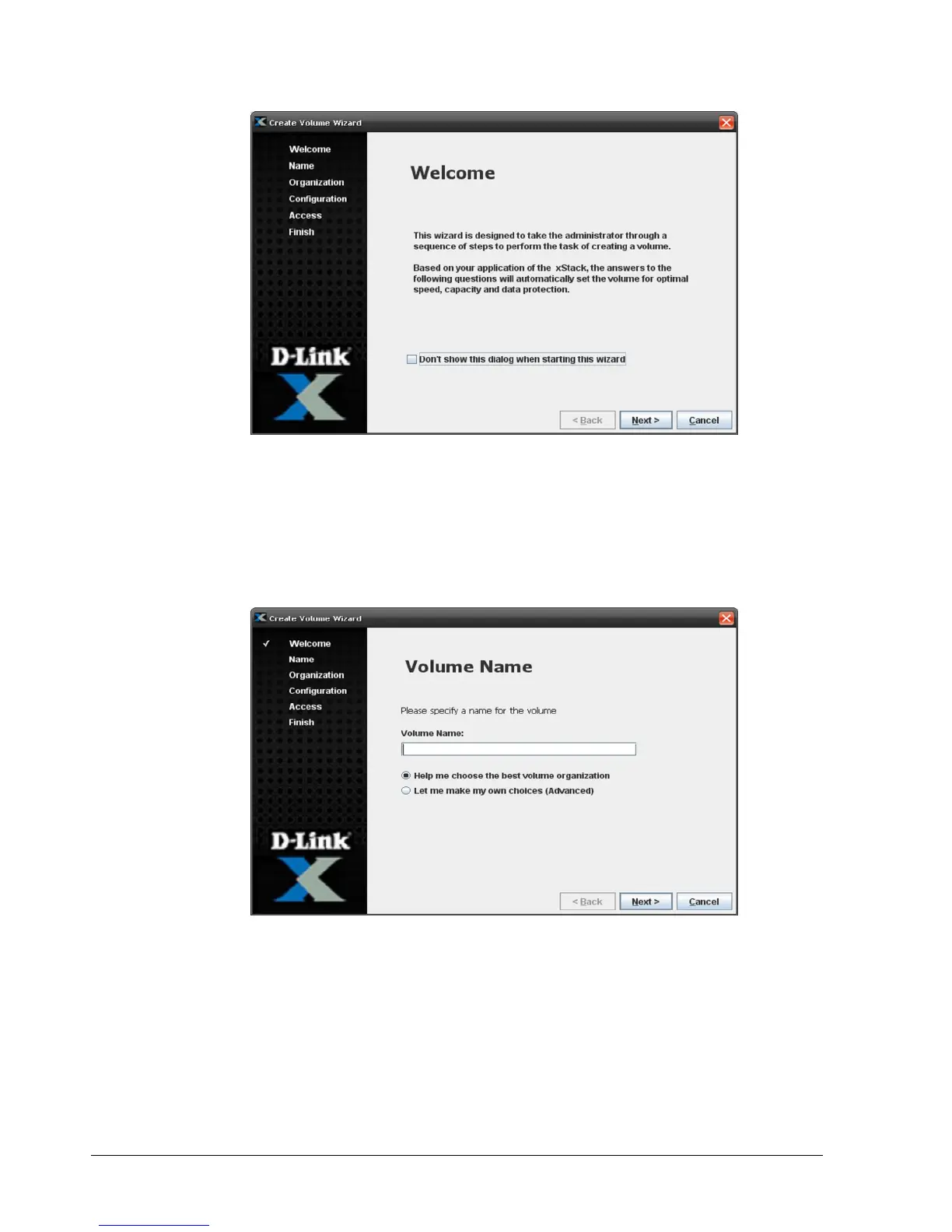
Figure 4-3. Create Volume Wizard Welcome Screen
2. To skip the Welcome page in the future, check Don’t show this dialog when staring this
wizard.
3. Click Next.
The Volume Name screen appears (see Figure 4-4)
Figure 4-4. Volume Name Screen
4. In the Volume Name field, enter a name for the volume. Volume names can contain
from 1 to 63 alphanumeric characters (A-Z, a-z, and 0-9). Spaces and special characters,
such as parentheses, dashes, and question marks are also permitted, although those
special characters will not be included in the IQN target name that is automatically
generated by the storage system for the volume.



 To Next Page