xStack Storage Management Center Software User’s Guide 41
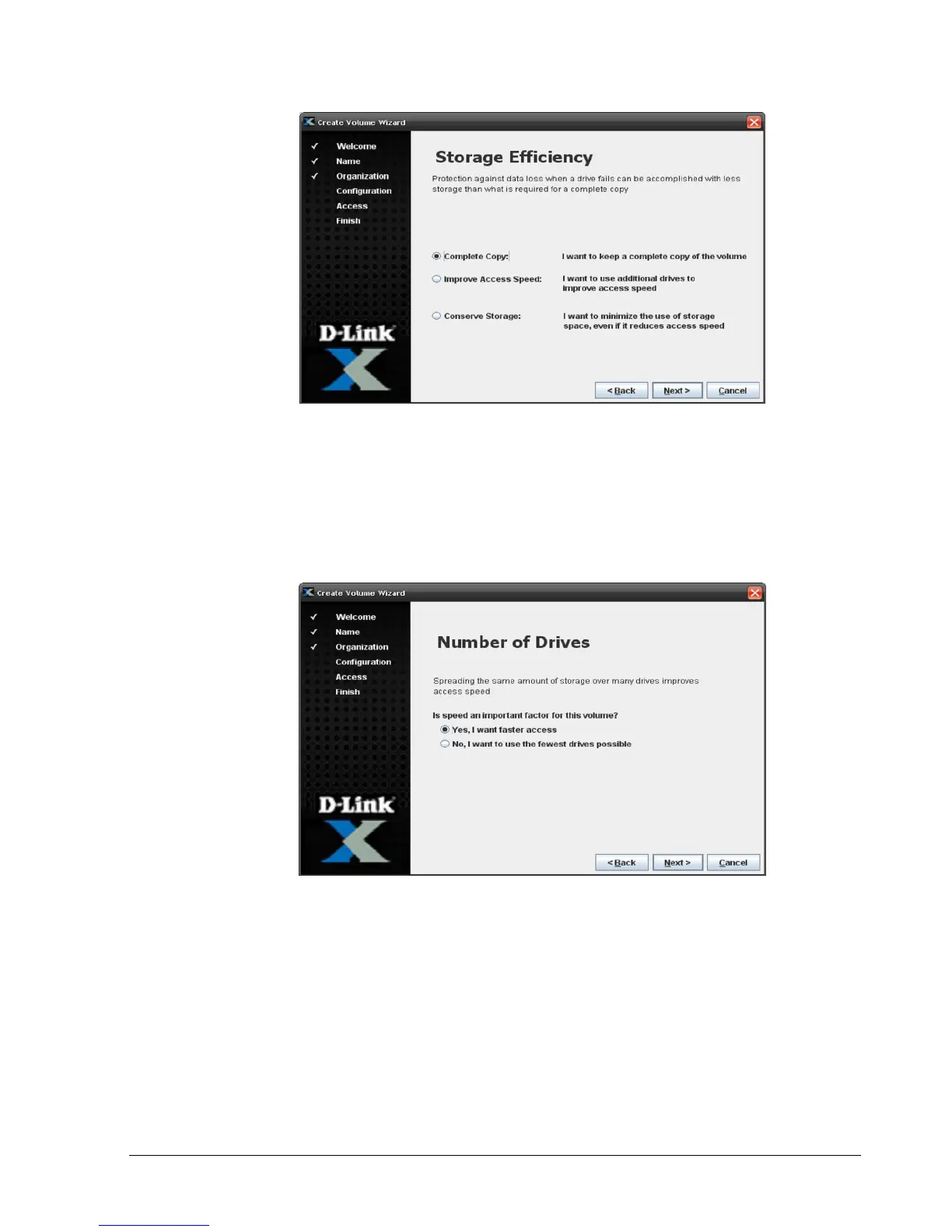
Figure 4-7. Storage Efficiency Screen
3. Select the option that best describes the protection you desire against data loss if a
drive should fail. Click Next.
If you select Complete Copy, the Number of Drives screen appears (see Figure 4-8) and
you should proceed to the next step. Otherwise, the Volume Size screen appears (see
Figure 4-9) and you should skip to step 5.
Figure 4-8. Number of Drives Screen
4. Select whether you want to distribute the same amount of storage over many drives to
improve performance or to use the fewest drives possible. Click Next.
The Volume Size screen appears (see Figure 4-9).



 To Next Page